

 0
0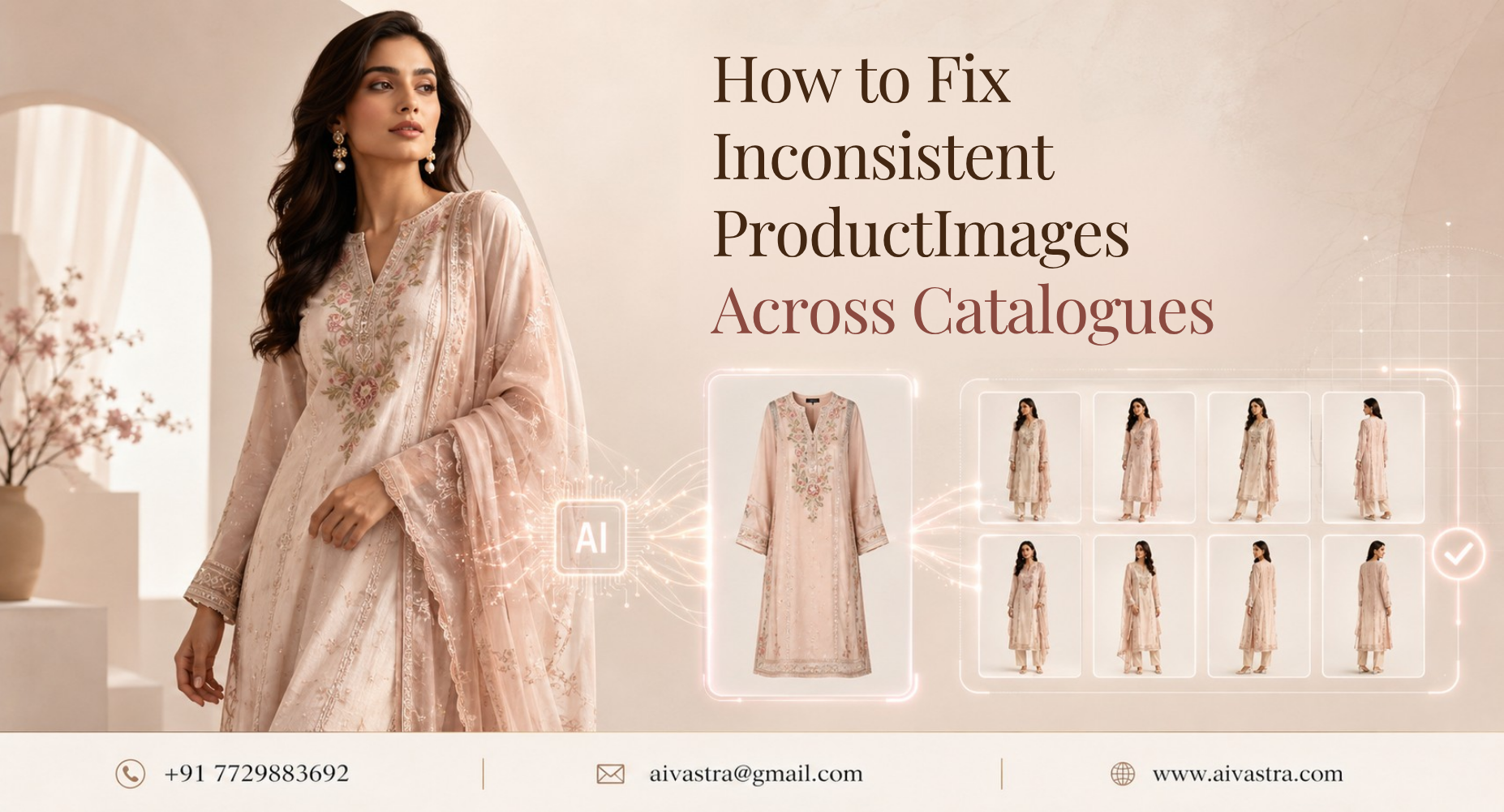
How to Stop Inconsistent Product Images Across Your Catalogue
If your catalogue has 500 SKUs shot across different sessions, different lighting setups, and different photographers, chances are it looks inconsistent — and that’s costing you conversions. Here’s how to standardize product images catalog automatically, without reshooting a single item.
What Automatic Image Standardization Actually Means
Standardization here means that all catalogue images of any type have the same product photo model, background, lighting, and crop, even if the product image was taken at different times and in different locations. If someone drags from SKU 1 to SKU 400, the experience shouldn’t feel like they’re switching between five different stores.
This is the exact problem behind the common question: how do I standardize product images across my entire catalog automatically? The answer isn’t manual editing at scale — it’s a system that applies the same visual treatment to every image without someone reviewing each one by hand.
Why Inconsistent Images Hurt Marketplace Performance
Marketplaces reward consistency, even indirectly. When a brand’s listings vary wildly in lighting, background color, or model framing, it signals lower production quality to shoppers — even if the garments themselves are excellent. This hurts click-through rates and, over time, conversion.
For brands trying to figure out how to create consistent product photos fashion brand hundreds of skus deep, this inconsistency usually stems from images being sourced from multiple shoots over time — different photographers, different sessions, sometimes different years. Each session introduces small variations that add up into a visibly disjointed catalogue.
The Traditional Solution (And Why It’s Expensive)
The old fix was simple in theory and painful in practice: reshoot everything under one consistent setup. For a brand with a few dozen SKUs, that’s manageable. For a brand with hundreds, it means significant studio time, model costs, and weeks of production — often not realistic given ongoing business demands.
This is why standardize product images catalog automatically using AI have become the practical alternative. Rather than reshooting, brands can process their existing product photos — regardless of original quality or setup — into a consistent, unified visual style.
How AI Vastra’s Batch Processing Achieves This
Product image consistency automation through AI works by applying a single style template — same model type, same background, same lighting treatment — across an entire batch of uploads, whether that’s 50 SKUs or 5,000.
Here’s the before-and-after: before, a catalogue might have SKUs shot on hangers, others on mannequins, some with inconsistent lighting from different sessions. After processing through AI Vastra, every single one of those images becomes a consistent, model-worn shot with matching background and lighting — without a photographer touching a single garment.
This connects directly to the batch workflow covered in our Bulk Catalogue Creation pillar, and builds on the foundational consistency principles in our SKU Standardization post.

Step-by-Step: Uploading and Auto-Processing a Full Catalogue
Here’s how the workflow actually runs:
- Upload your existing product images — regardless of original format (hanger, flat lay, mannequin)
- Set your style template — choose model type, background, and lighting once
- Apply the template across your batch — the system processes all uploaded SKUs using the same settings
- Review the output — spot-check a sample before finalizing the full batch
- Export in bulk — download the complete, standardized catalogue ready for upload
This process is what makes standardize catalogue photography AI genuinely scalable — the template is set once, and every image that passes through it comes out consistent, with zero manual editing per SKU.
Setting a Style Template for Full-Catalogue Consistency
The key to reliable standardization is setting your template correctly before running your full batch. Decide on your model preferences, background type, and framing style upfront, then apply this same template to every future upload — new seasonal drops, restocks, or additional SKUs all inherit the same consistent look automatically.
This turns catalogue consistency from a one-time cleanup project into an ongoing, automatic standard, which is exactly the workflow covered in more detail in our Automate Fashion Catalogue post. For hands-on use, the AI Catalogue Photoshoot service page lets you test this template-based batch process directly.