
 0
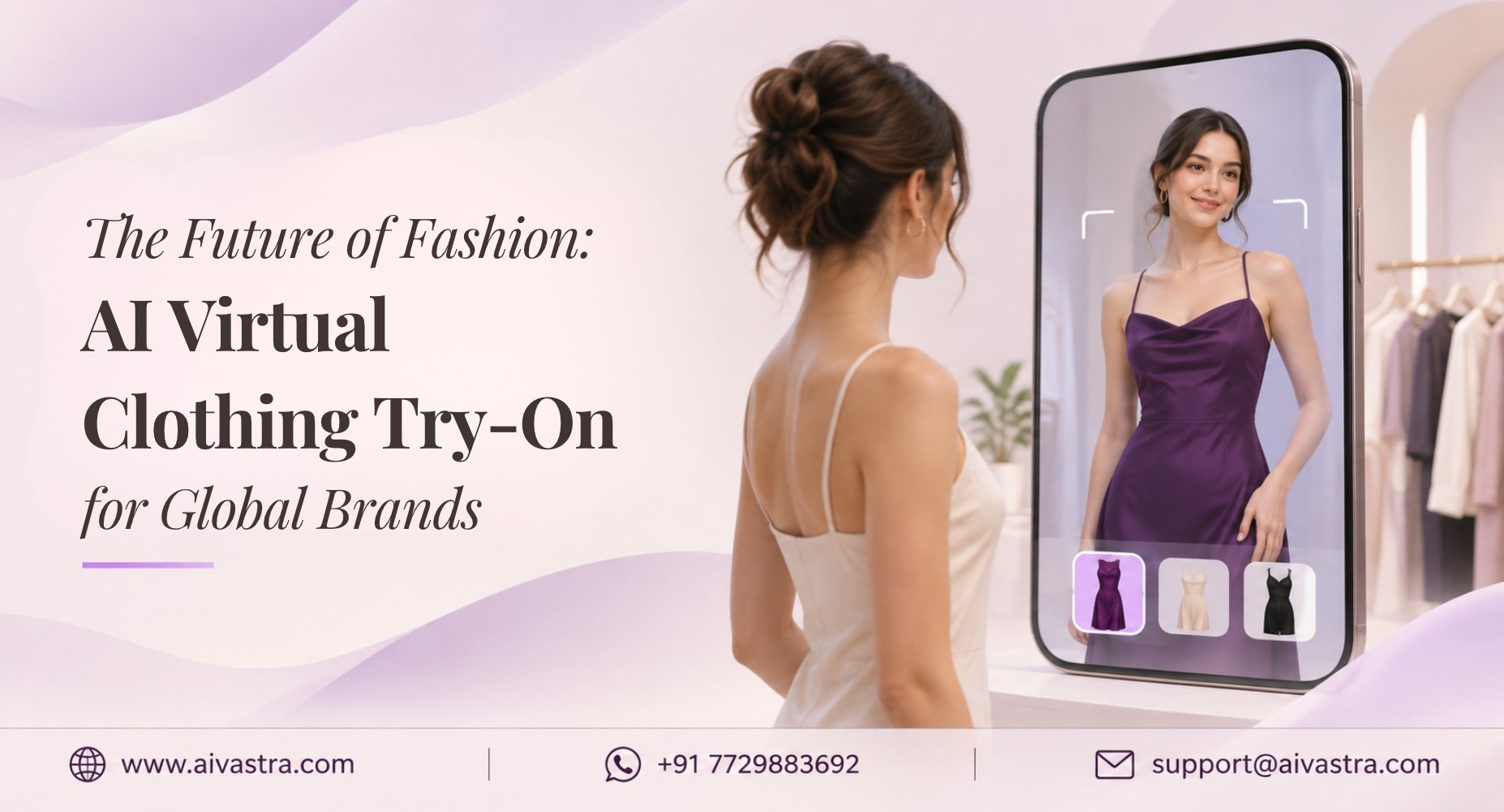
AI Clothing Try-On AI Clothing Try-On for International Fashion Brands: A Complete 2026 Guide
AI Clothing Try-On transforms a still image of clothes into a live image of people wearing the clothes, without entering the studio, recruiting any models or hiring a photographer at all. This guide will cover the working of the tool, how it differs from AR, cost, and how to begin for any brand from the USA, UK, and EU.
Key Takeaways
- AI clothing try on can be interpreted by the shopper side, or the brand side to create catalogue & ad images.
- AI can create super-detailed still images that you can store, reuse, in stores, marketplaces and campaigns, without the limitations of live AR.
- Similar to most catalogue work, an AI day is a fraction of the cost of a studio day, so try it in the first few garments to see if you’re going to use it before you purchase a studio day.
AI Clothing Try On: What is It?
It’s actually two distinct things and misusing them can cause you to purchase the wrong tool.
A shopper try-on helps the customer to upload a selfie to see what a garment looks like on them. Google now has an option to this in several markets such as the US, UK, and India in its search feature.
Fashion brands make catalogues through brand-side try-on. Users can upload flat lays, hangers, or images of themselves and the AI app places the clothes on a life-like model. This guide aims to concentrate on that second definition.
AI Try On Clothes vs Consumer AR Try-On
AR try-on uses a phone camera and overlays a garment on live video. But when you need images for your store, marketplaces and ads, AI offers you assets that are your own and that you can reuse. Our AR Try-On vs. AI Try-On post covers the technical details.
|
Consumer AR try-on |
Brand-side AI try-on |
|
|
Input |
Live camera feed |
Product photo |
|
Output |
Real-time overlay |
High-resolution still image |
|
Best for |
Engagement, simple garments |
Catalogues, listings, ads |
|
Complex fabrics |
Often struggles |
Usually handles drape better |
|
Files you keep |
None |
Yes, reusable images |
AR can add excitement to a product page. But if one need images for their store, marketplaces, and ads, AI gives them assets they own and can reuse.
How an AI Model Try On Works for Catalogues
An AI model try on consists of three basic steps:
- Put up a photo of either the garment or flat lay, hanger or mannequin.
- The AI recognizes the shape, colour and fabric properties of the garment.
- You select the body type, skin tone and pose of a model.
- The AI adds the light and shadow to the garment as applied to the model.
- You export images sized for your store or marketplace.
This is the process behind our AI Fashion Model Generator and AI Catalogue Photoshoot services, and it’s what separates a real try-on image from a garment pasted onto a photo.
Why International Brands Prefer AI Catalogs Over Studio Shoots
Brands that adopt AI clothing try-ons usually cite four reasons:
- Brands that use AI clothing try-on offer the four most common benefits:
- Cost. Studio days, models, stylists, and retouching go quickly.
- Speed. In just a few hours or days, new drops can be shot rather than weeks.
- Consistency. Hundreds of products, using the same model, lighting, and framing.
- Flexibility. Create new colorways and SKUs without having to rebook a shoot.
Shipping samples to a studio also takes time and carries risk, especially for small labels. Our Fashion Photography Cost post breaks down where studio budgets go.
Cost Comparison: London Studio Shoot vs AI Vastra
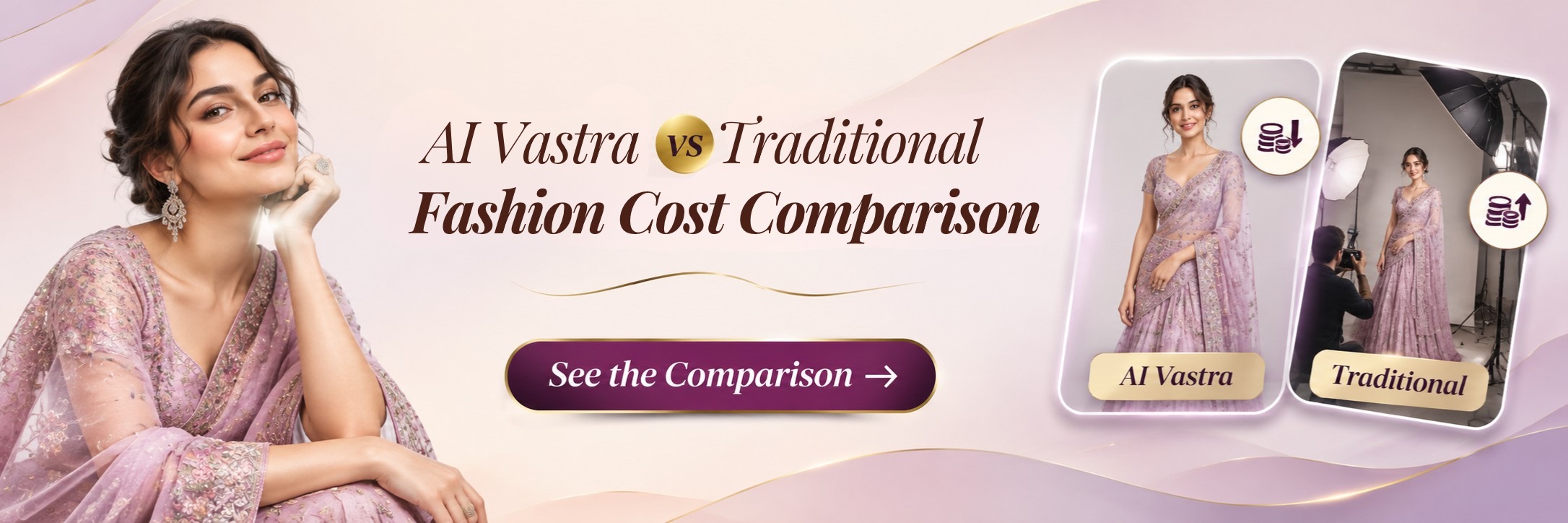
The price of a studio can differ depending on the city you are in and/or the photographer. The likely expense for a London model shoot, before including the model fee, styling, and retouching costs, is somewhere around £2000.00 a day. Team: confirm this figure before publishing.
For illustration, suppose one day covers 30 outfits. That’s roughly £67 per outfit for the studio alone.
|
Approach |
What you pay |
|
London studio day |
About £2,000, plus model, styling, retouching |
|
AI Vastra |
From about ₹10 per image |
At ₹10 an image, 500 images would cost about ₹5,000. [Team: add the equivalent in GBP, USD, and EUR from the Pricing page.] That’s a small fraction of a single studio day. A studio can still be the right choice for brand campaigns, but for everyday product images the gap is large. See current plans on the Pricing page.
Use Cases: Etsy, Amazon.com, and WooCommerce
Etsy sellers. Some small batch photographers use a hanger or bed to take photos. AI has the power to transform those images into on-model photos that are uniform throughout a retail store; always accurately represent any photos of your actual product, and adhere to Etsy’s current guidelines for AI-generated photos.
Amazon.com brands. Amazon normally requires a clean, white background primary image, along with additional photos that use to reveal form. AI can generate image content from a single image. AI can create image content from one image. Check your current style guide for your category before uploading to make sure it is the right one.
WooCommerce stores. Images are used to power model images of product pages and can be utilized repeatedly for ads and email. Our Virtual Try-On service includes a preview tool for your site for an in-person shopping experience.
In case of fitted categories like activewear or innerwear, it can be beneficial to note in the body mapping exactly how the garment should fit to ensure proper fit and reduce returns due to uncertainty.
Virtual Clothing Try-On AI for Indian and Ethnic Wear
AI Vastra was launched in India, making it uniquely developed for a different context of textiles, which is hard to deal with from global tools.
Virtual clothing try on AI for ethnic wear must get pleats, volume, and embellishment right.
Lehengas and bridal wear bring weight and bulk in the shape of embroidery. There are layered garments, such as dupattas in Kurtis and Salwar Kameez that have structured foreshapes in sherwanis. Brands in the US, UK, and EU selling South Asian fashion enjoy the same accuracy as those on Myntra, Amazon, and Meesho.
How to Get Started With AI Vastra Internationally
- Pick five test garments. Include your hardest one, such as a heavily embellished or draped piece.
- Start the free trial.
- Upload clear photos. Use even light, no wrinkles, and the full garment visible.
- Check AI clothing fitting. Review drape, fit, colour, and detail before publishing.
- Scale up. Once you’re happy, process full collections in bulk.
Browse results on the Catalogue Showcase page, or check the Pricing page and begin with AI clothing try on for your own range.