

 0

Core-Size Automation: The Catalogue Trick Every Myntra Seller Needs
Fashion Catalogues We all know of the propriety of having 100+ SKUs on a single website, like Myntra. If you do, you must be taking photos of each size and variant for each style and burning a lot of time and money doing it. Big e-commerce sellers at core size automation fashion catalogue Myntra are beginning to catch up by turning the tables: Take only pictures of top sellers, then rely on AI to fill in the rest.
Key Takeaways
- Myntra sellers can use core size photos automation fashion catalogue option to shoot the top-selling sizes and have their core size photos automatically converted into the rest of the sizes using AI.
- The sizes are often M, L or XL, but it can vary with each fashion marketplace, and it is better to check sales data than to assume it.
- This approach can result in both a meaningful reduction of photography volumes and costs, depending on your SKU count and size dispersion and can be enacted at scale.
What Core-Size Automation Means
Automation in small cores is very easy to sell. Instead of taking 6 different sizes of 500 different sizes and styles and taking 3,000 different catalogue images, you select the sizes that convert most of your sales, take photos of those sizes, and then leverage AI to adapt that photo across the variety of remaining sizes. Now it’s more of a scale and size adjustment rather than actually changing the meaning of the clothes for each size, and this is something AI does incredibly well.
The point is gaining traction in the eye of the Myntra sellers and catalogue managers who have observed a distinct pattern in the Indian fashion market—that M, L, XL are the three most popular sizes, and sellers are advised to have an extra buffer of stock in these sizes as they sell quickly.
Why Photographing Every Size Is Wasteful
Indian fashion marketplaces possess the crucial pieces of reality that most sellers already know, though they haven’t turned into figures: only a small number of core sizes sell most of the time. The split is different for each brand and category, but the general trend—few sizes making up the bulk of sales and the rest having smaller volumes—is observed across all fashion retail data. With two or three products often accounting for a majority of the profits, shooting all six or more sizes the same size is the same amount of money that goes into the catalogue for the slower-moving products vs. the more popular ones.
Looking for Core Sizes, Using Self-Data
Don’t automate it first unless you take some of the actual sales data first. You can see unit sales by size on your Myntra seller dashboard and by size on your own GST sales records. When sorted by volume, it is usually apparent that there is a distinct trend of a few sizes accounting for most sales and a long tail of less popular sizes.
Remember that M, L, and XL are not necessarily your ‘core sizes,’ as many people think. Certain categories of kidswear, plus-size, and western wear may require totally different ranges of core sizes. Evaluate your own numbers first to decide what you should photograph.
How AI Vastra Processes a Core-Size Image
Knowing your size may make your workflow simple after this. Upload a photo of your garment, and AI Vastra creates size-scaled versions that show how this garment might fit and appear at different sizes, rather than simply resizing the same pattern. This is notably different from what is commonly called naive image scaling, which will seem obviously incorrect and may deceive customers as to true size.
Step-by-Step: Setting Up a Core-Size Catalogue Workflow
- Pull your size-level sales data from Myntra seller analytics and GST records
- Identify your top 2-3 core sizes by unit volume across your catalogue
- Photograph only those core sizes for new and existing styles
- Run core images through AI Vastra’s bulk tool to generate remaining size variants
- Review and spot-check a sample before uploading the full batch to your marketplace listings
Our Bulk AI Catalogue Creation post covers the mechanics of batch processing at scale in more detail, and our How to Automate Fashion Catalogue Production post covers the broader automation workflow this fits into.
The Cost Savings Math
The following is a representative example only and will depend on the number of SKUs and the costs of the photography at the time. Sellers historically have required 500 different catalogue images for 6 sizes, making a total of 3,000 images. This dramatically reduces the photography volume and photography cost: Only 2 core sizes are shot—the remainder is created via AI that takes those 2 as the basis for its algorithm.
Organizing Your Myntra Catalogue Folder Structure
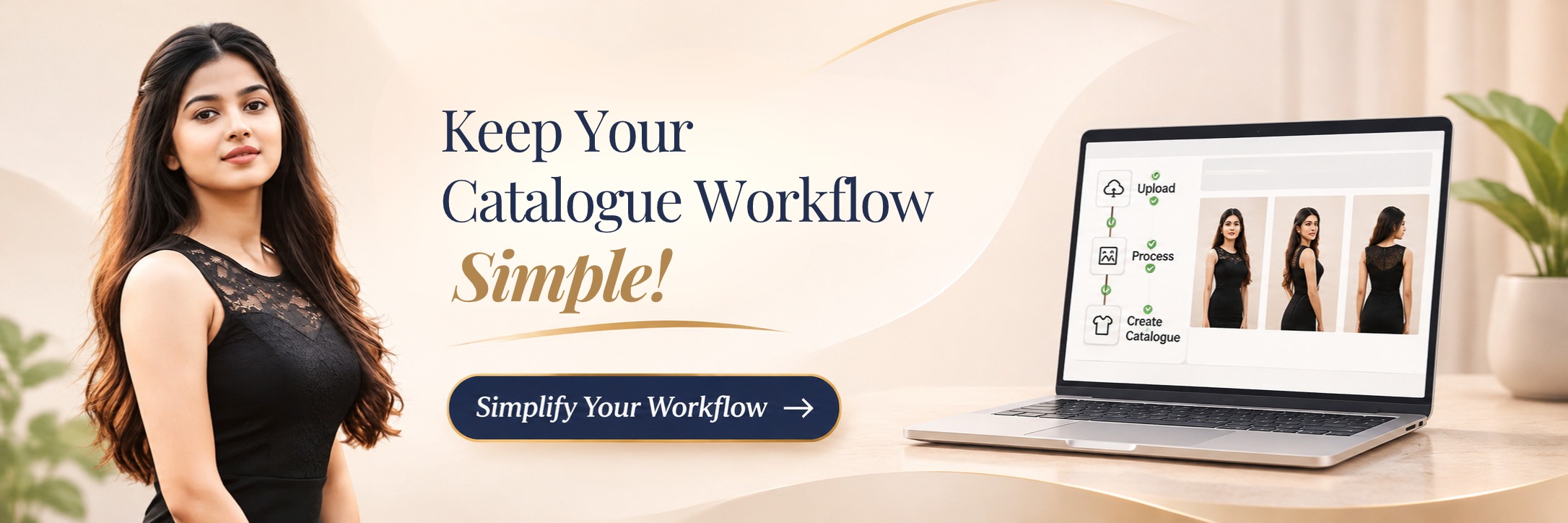
In this article, you will learn how to structure your Myntra catalogue folder to make life easier.
After being automated, it is best to maintain a simple folder structure: one for the master image (core size) with each folder showing a distinct size variant of the same. This will make sure that your How to Standardize Product Images post-recommended file names stay intact even if the style is updated and will allow you to re-run that automation if you ever need to. Explore and check our Bulk Processing page at your catalogue size to view the pricing and processing time.
Fashion sales are not evenly distributed across different sizes, and core-size automation can’t be considered a theoretical efficiency solution, but it is a practical one. Verify your information and narrow down to which sizes need full payment for your photography.