
 0
0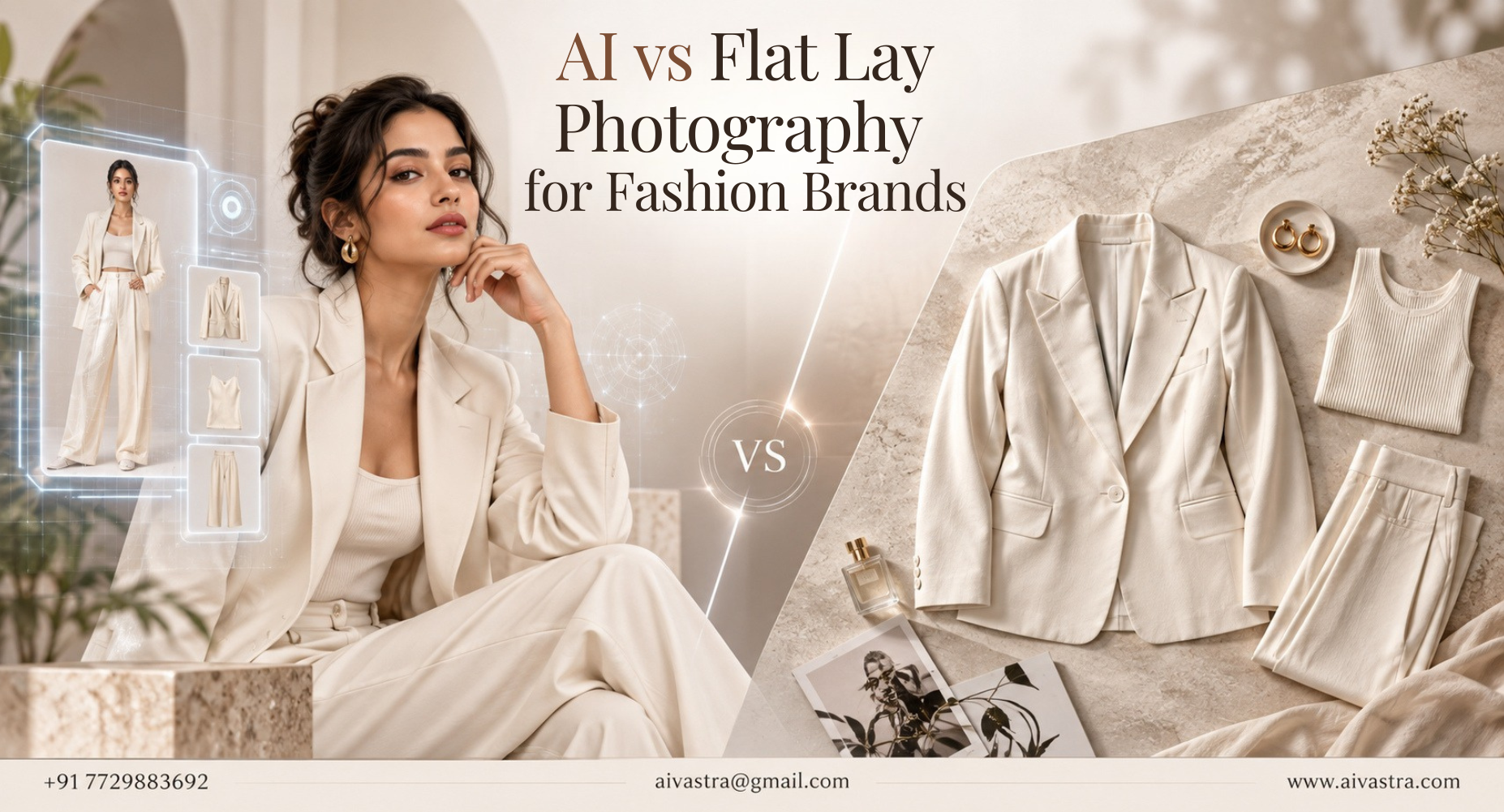
Flat Lay Photography for Fashion: When AI Does It Better
If you’re photographing your own products at home, chances are you’ve already tried flat lay shots. Flat lay photography for fashion India sellers use is often the starting point for a catalogue — here’s when it works, and when it’s time to go further.
Key Takeaways
- Flat lay photography can be used to emphasize with ease the shape, print and color of a garment; it cannot be used to demonstrate fit, drape or fabric movement on a body.
- Flat lay photos make excellent input images for AI model generation, since they clearly show the garment’s full shape and detail
- The best flat lay shots use even lighting, minimal wrinkles, and a plain background — all of which improve AI-generated output quality
So, what exactly is Flat Lay Photography? Now, what is Flat Lay Photography?
Flat lay photography is creating images of a garment on a flat surface, from the top down without any model or mannequin present. It is widely used as a starting point for small businesses and brands that are direct-to-consumer (D2C) since there is no model booking fee, no need to rent out a studio, and minimum setup equipment, except for great lighting and a camera.
This is a good way to do it! It captures the general lines, print detail and color of the garment without distortion caused by body positioning.
These basic tips for better flat-lay photographs will help you get the best images.
If you’re shooting flat lay yourself, a few basics make a real difference:
- Use even, natural lighting — avoid harsh shadows that hide fabric detail or distort color accuracy
- Iron or steam the garment first — wrinkles photograph poorly and make garments look lower quality than they are
- Shoot straight down — angled shots distort proportions and make garments look uneven
- Use a plain, contrasting background — this makes the garment the clear focus and helps with any later editing or processing
These flat lay photography for fashion India tips apply whether you’re shooting for a simple listing or preparing images to feed into an AI tool later.
Flat Lay vs Model Images: What Each Actually Shows
This is the core limitation worth understanding. Flat lay vs model images fashion sellers need to weigh comes down to one thing: flat lay shows the garment, model images show how the garment behaves on a body.
A flat lay can’t show drape, fit, or how fabric falls when worn — critical information for anything beyond basic t-shirts or simple structured pieces. A flat lay is not enough for sarees, gowns or anything with movement or drape, leaving shoppers wondering about the fit, which is a factor that causes a lot of returns.
The uses of flat lay product photography.
Knowing when to use flat lay product photography versus needing a model shot depends on the garment and the sales channel. Flat lay alone can work reasonably well for simple accessories, flat items like scarves, or as a supplementary detail shot alongside a primary model image.
For most apparel intended for online sale, flat lay works best as one image within a set, rather than the only image a shopper sees before buying.
How AI Turns Your Flat Lay Into a Model Image
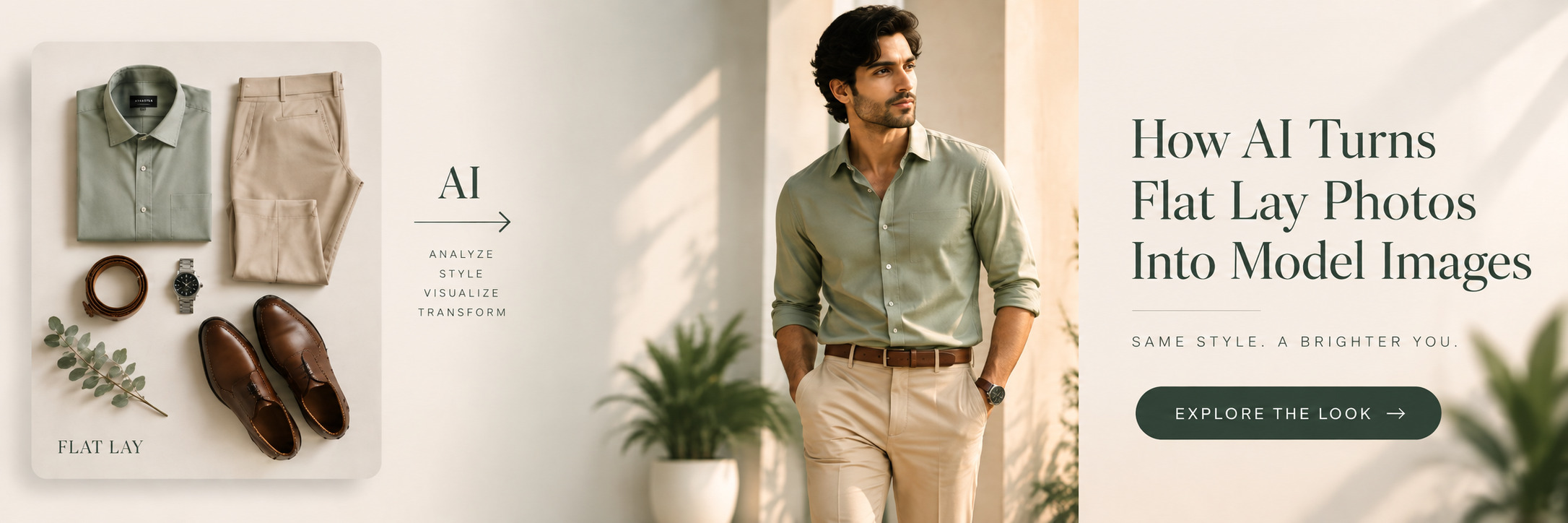
Here’s where flat lay photography becomes genuinely useful beyond its own limitations. A well-shot flat lay is actually the ideal input for AI model generation — because it shows the garment’s full shape clearly and without distortion, AI tools can accurately map that shape onto a realistic model form.
This means sellers don’t need to throw away their existing flat lay photos or start from scratch with a studio shoot. Uploading a clean flat lay image to the AI Catalogue Photoshoot service generates a realistic model shot directly from that same photo — turning a flat lay clothing photos for ecommerce india sellers already have into a complete, fit-accurate catalogue image.
Flat Lay Checklist Before Uploading for AI Generation
There are no parts of the garment (clothes) folded or hidden ◊ There are no strong shadows in the photo ◊ No wrinkles in the photo, and the photo is done straight down, not at an angle, with background elements overlapping the color of the garment.
This checklist can help you ensure that the image you want AI to generate is likely to be of good quality because the AI algorithm can only learn what it sees in the source image. Our Catalogue Photoshoot Meaning post explains this input-to-output relationship in more depth, and our post on Why AI Models Don’t Convert covers common mistakes that hurt output quality, many of which trace back to poor source images.
For garment-specific guidance, our How to Take Saree Photos post covers flat lay technique specifically for draped fabrics.