
 0
0
How to Take Saree Photos That Actually Sell Online
The AI can only work with what you give it. A crumpled saree on a printed bedsheet produces a crumpled, confusing catalogue image. A clean, well-spread flat-lay produces a professional result every single time.
If you’re a saree seller on Meesho, Flipkart, or WhatsApp — and you’re using AI Vastra to create your catalogue images — the quality of your input photo directly determines the quality of your output. Understanding how to take saree photos for online selling is the most practical thing you can do to improve your catalogue results without spending anything extra.
This guide is designed for those who have never hired a porto photographer to shoot their clothes and accessories for their saree business. No need to be a DSLR. A studio is not required. You just need your smartphone, a clean surface, and 15 minutes per saree.
TL;DR: Good saree flat-lay photography requires five things — clean background, good natural light, full fabric spread, edge visibility, and crumple-free presentation. Get these right and your AI catalogue images will look professional every time.
Why Your Input Photo Quality Matters for AI Catalogue Results
The quality of your flat-lay saree photograph directly affects how accurately AI Vastra can read your fabric, colour, and design detail — and render them correctly in the final catalogue image.
AI draping technology works by analysing your source image to understand the saree’s colour, texture, pattern, border detail, and fabric character.The more poorly lit and wrinkled the original photo, or the busier the background, the less the AI will know and the more in error it will be.
It’s an equivalent to providing directions to someone. Stringent instructions bring you to where you want to be. General directions, without directions, can result in misdirection.
Your flat-lay photograph is the direction you give the AI.
As we explained in our detailed guide on AI Saree Draping Online, the rendering engine can preserve zari detail, fabric sheen, and border patterns — but only when the source image shows them clearly.
What Equipment Do You Actually Need?
You need one thing: a smartphone with a decent camera. Any phone released in the last three years has a camera capable of producing input images that AI Vastra can work with effectively.
You do not need:
- A DSLR or mirrorless camera
- A ring light or studio lighting
- A light box or photography tent
- A tripod (helpful but not required)
What matters far more than your equipment is your technique and setup — which is entirely within your control regardless of what phone you’re using.
The 5 Things That Matter Most in a Saree Flat-Lay Photo
Knowing how to take saree photos for online selling comes down to five controllable factors — background, lighting, spread, edge visibility, and fabric condition. Get all five right and equipment becomes almost irrelevant.
1. Background — Clean and Contrasting
Use a single-colour, plain surface. White is ideal for most sarees. For very light or white sarees, use a light grey or pale blue surface so the edges are visible.
What doesn’t work: printed bedsheets, patterned dhurries, wooden floors with grain, tiled floors, or any surface with texture that competes visually with the saree fabric.
The difference in practice: A dark navy saree laid on a white cotton bedsheet with the pattern facing up — edges clearly visible on all sides — gives the AI a clean, readable image. The same saree laid on a printed floral bedsheet makes it impossible for the AI to distinguish where the saree ends and the background begins.
2. Lighting — Natural, Diffused, No Flash
Natural daylight is your best friend. Lay your saree near a large window on a bright day — not in direct harsh sunlight, which creates strong shadows and washes out colour, but in the soft, even light that comes through on a slightly overcast day or from indirect window light.
Turn your flash off. Always. The increase in brightness in the centre of the saree due to flash causes loss of detail in the image and creates strong shadows along the edges. The same effect is caused when applied to silk and zari embroidery, and it makes the fabric look low quality.
The difference in practice: One Banarasi silk saree taken off in the morning in soft sunlight will exude the true warmth and texture of the gold zari threads. The same saree photographed with a phone flash will show a white hotspot in the centre and flat, lifeless borders.
3. Spread — Full Fabric Visible, No Bunching
Spread the saree as fully as your surface allows. For a standard six-metre saree, you won’t be able to show the entire length in one shot — and you don’t need to. What matters is showing a representative spread that includes the main body fabric, the border, and ideally a portion of the pallu or end piece showing the design.
Fold the saree neatly to show the most visually important sections. Accordion folds work better than bunched or random folding because they keep border and body fabric parallel and clearly visible.
4. Edge Visibility — The AI Needs to See Where the Saree Ends
This is the mistake most beginners make: the saree edges blend into the background because the colour contrast isn’t sufficient. The AI needs to clearly see the outline of the saree to read its shape and dimensions accurately.
If your saree is white or cream, use a contrasting surface — grey, pale blue, or light tan. If your saree is dark, white is almost always sufficient contrast.
Fold the saree so all four visible edges are clearly separated from the background — no edge tucked under, no edge bleeding into a similarly coloured surface.
5. Fabric Condition — Ironed or Steam-Pressed Before Shooting
Wrinkles in your source photo become wrinkles in your AI catalogue image. The AI reads creases as part of the fabric’s texture. A heavily crumpled source image produces a catalogue output that looks like a crumpled saree — which no buyer wants.
Check and press-iron (steam) the sari before taking photos of it. A garment steamer is better suited for very delicate silks, so that direct ironing can be avoided. To get a clean and smooth surface in front of the AI, iron troublesome items such as cotton and chiffon if necessary before spreading.
Key Takeaway 1: Background and Lighting Solve 80% of Bad Saree Photos
A clean contrasting background and soft natural light — both completely free — fix the most common saree photography mistakes that produce poor AI catalogue results.
Step-by-Step: How to Photograph a Saree Flat-Lay at Home
Here’s the exact process for how to take saree photos for online selling — from steam pressing to final upload — in 15 minutes per saree.
Step 1 – Set up your surface: Place a plain white cotton bed sheet or large white chart paper on a flat floor or large table. Take out any air pockets. Smooth out any creases. The surface should be larger than the saree spread you’re planning to photograph.
Step 2 — Steam or Iron the Saree Press the saree before laying it out. Pay particular attention to the border and pallu sections — these are what buyers look at most closely.
Step 3 — Spreading the Saree: The way the saree is spread in this step will reveal the main body fabric along both long edges, while the border will be visible along both broad edges and a section of the pallu design will be exposed at one end. Make sure all of the edges are neatly identified from the rest of the scene.
Step 4: Put in the Natural Light: Turn the setup towards a window or open door. Position yourself so the light falls evenly across the saree from one side — not directly overhead, which creates strong shadows in fabric folds.
Step 5 – Photograph from direct above stand over saree and photograph straight down – NOT at an angle. Gun angles produce perspective distortion, which can cause border distortion and more difficult to understand the garment by the AI.
Step 6 — Turn Off Flash, Use Portrait or Pro Mode Turn flash off. Use your phone’s portrait mode or standard photo mode — not auto-HDR, which can oversaturate saree colours. Take 2–3 photos and select the sharpest one.
Step 7 — Check Your Image Before Uploading Zoom in to check: are the zari threads or embroidery details visible? Are the edges clean against the background? Is the fabric free of shadows and creases? If yes, you’re ready to upload to AI Vastra.
Hanger vs Flat-Lay: Which Works Better for AI Processing?
How to click saree photos for sale on a hanger is possible, but flat-lay photography consistently produces better AI catalogue results — because it shows more fabric surface area and clearer detail than a hanging drape.
Hanger photography works when:
- You have very limited space for flat-lay photography
- The saree is very lightweight and hangs cleanly without bunching
- You’re photographing the pallu end specifically to show a border design
Flat-lay photography works better when:
- You need to show the full body fabric and border simultaneously
- The saree has heavy embroidery or zari work that needs to be shown flat
- You want the AI to have the clearest possible read of the full fabric design
For most saree product photography purposes — particularly for saree photo for Meesho listing and marketplace catalogue creation — flat-lay is the recommended input format.
Key Takeaway 2: How You Photograph Heavy Embroidery and Zari Determines Whether the AI Can Preserve It
For Banarasi, Kanjeevaram, and embroidered sarees, photograph with soft side lighting from a window — not overhead or flash — so zari threads catch the light and show their depth. This is what gives the AI the information it needs to render metallic embroidery accurately in the catalogue image.
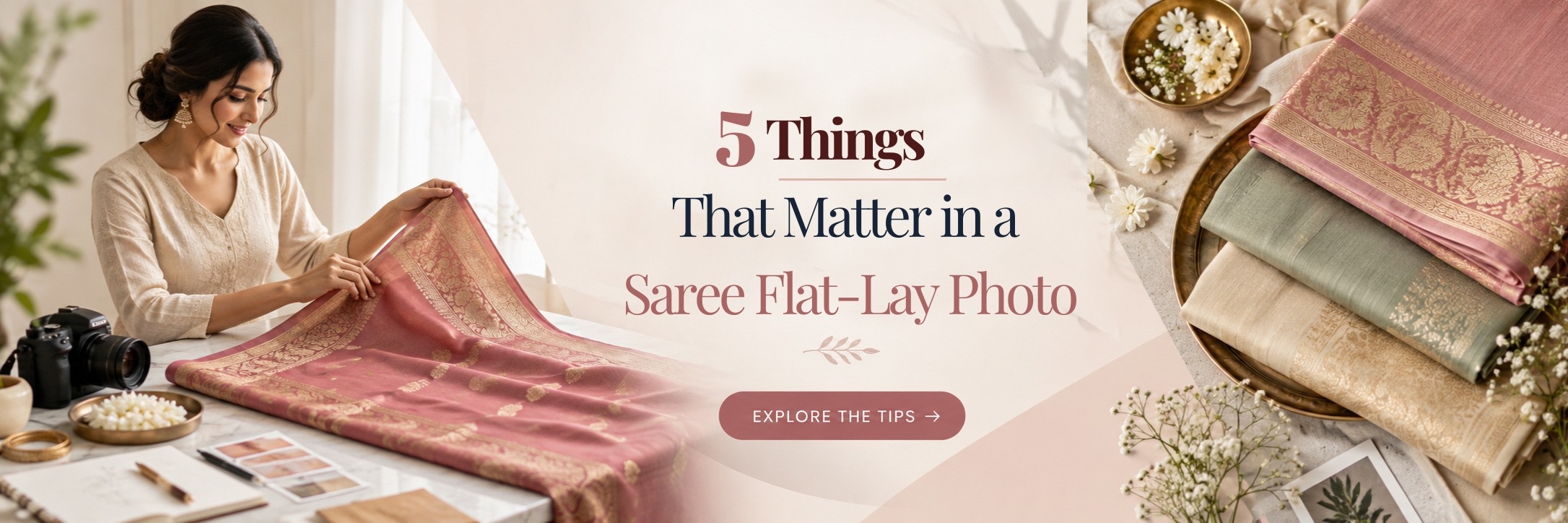
How to Photograph Sarees With Heavy Embroidery and Zari
Saree product photography tips for heavily embroidered or zari sarees require one specific adjustment: lighting angle. Embroidery needs light from the side — not directly above — so the thread texture catches light and shows dimensionally rather than appearing flat.
For zardozi and heavy gold designs, using a slightly brighter light source like a sunny window instead of a cloudy-day window works better. This is because the shiny threads need direct light to show off their sparkle. Just avoid the strong midday sun, which makes shadows too dark. Instead, use light from a window in the morning or late afternoon for the best results.
This matters because AI Vastra’s rendering preserves the embroidery information it reads in your source image. If your flat-lay shows zari threads as flat gold areas with no texture, the catalogue image will render them the same way. If your source image shows each thread catching light with dimensional depth, the catalogue image preserves that quality.
Key Takeaway 3: Achieve more beauty in 10 photos of good sarees than in 100 photos of poor-quality sarees.
For small Meesho and Flipkart saree sellers, the fastest route to better catalogue images is spending an extra 5 minutes per saree on preparation — clean surface, pressed fabric, good window light — rather than trying to fix poor input images in post-processing.
Your catalogue images start with your flat-lay photo — get that right first.
AI Vastra transforms your smartphone flat-lay saree photographs into professional on-model catalogue images — preserving zari detail, fabric colour, and border design accurately in every image.
👉 Start your free demo today and upload your first saree flat-lay to see your catalogue image within hours.