
 0
Kurta Virtual Try-On: How Ethnic Wear Brands Are Replacing Model Shoots
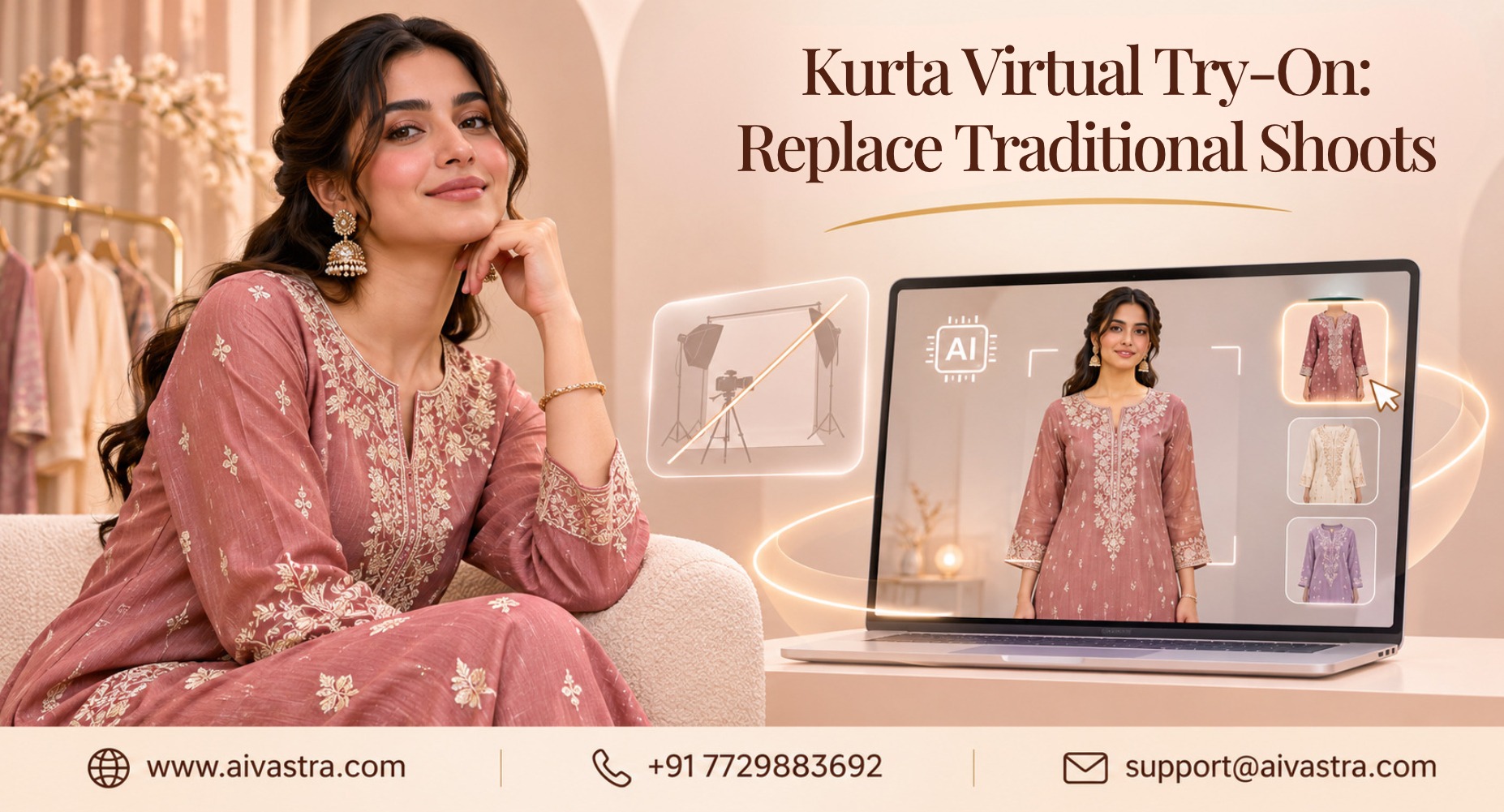
Kurtas sell everywhere: on Meesho and Amazon.in in India, and on Amazon.com and Etsy for South Asian shoppers abroad. All sellers have a point at which they hit a brick wall. Hundreds of kurtas are made in various colours and prints, which requires the involvement of the studio, models and weeks. With Kurta virtual try-on, you turn one product photo into an actual model image and accelerate your launches and lower your costs!
Key Takeaways
- Kurta virtual try-on turns a flat lay or hanger photo into a model image, with no studio, model booking, or reshoot
- One kurta can appear in multiple poses and skin tones, and be paired with different bottoms, from the same source photos
- A standard template and bulk upload keep images consistent across hundreds of Meesho and marketplace listings
What Is Kurta Virtual Try On?
Kurta virtual try-on refers to the practice of utilizing AI to render a kurta over a desired model image in a product shot, rather than having to shoot one. It is in two forms: Brand-side tools generate catalogue images for your store and markets. Shopper-side tools enable customers to look at the kurta on their own picture. This guide focuses on the brand side, which most wholesalers and sellers need first. If you want the shopper experience on your own site, see our AI Virtual Try-On service.
Why Kurta Catalogues Are Hard to Shoot the Old Way
Kurtas (also known as kurtis) seem easy, but they’re accumulating rapidly. One style can be made in eight colours, with three sleeve lengths, and various prints. Now throw in pants, palazzos and dupattas, and you’re at a million shots! The cost of studios, models, and stylists are high, and they must be scheduled.
For small brands and Meesho sellers, a regular photo day can be out of reach. That’s why many look for a Kurta photoshoot alternative that works from photos they already have.
Create AI Kurta Model Images in Multiple Poses and Skin Tones
Provide a picture of the kurta
- Select the model, skin color, pose and figure.
- Select a background: White background for listing, or a detailed background for advertisement purposes.
- Create image, check image.
- Get it now in the channel size you require.
AI Vastra is made for Indian garments, and its goal is to maintain the accuracy of prints, embroidery, sleeve length, or even hem length sizes. A representation of skin tones and distinct figures with varying shapes makes it easier for a customer to imagine how the kurta will look on them. Never compare to the actual garment before publishing. Picture the kurta on someone like them. Always compare the result with the real garment before publishing.
Show Kurta and Palazzo Combinations Without Reshoots
A huge number of kurtas are sold as a set. When customers are looking for kurta, they want to view the entire ensemble online. Rather than chasing out every top and bottom combo, you can create the kurta and then get it paired up with various kinds of pants, palazzos and dupattas virtually. [Team: confirm exactly how AI Vastra handles paired outfits before publishing.] Our AI Catalogue for Indian Suits post covers pairing and styling in more detail, and the same ideas apply to salwar kameez.
Seasonal Kurta Catalogues: Summer Cotton to Festive Silk
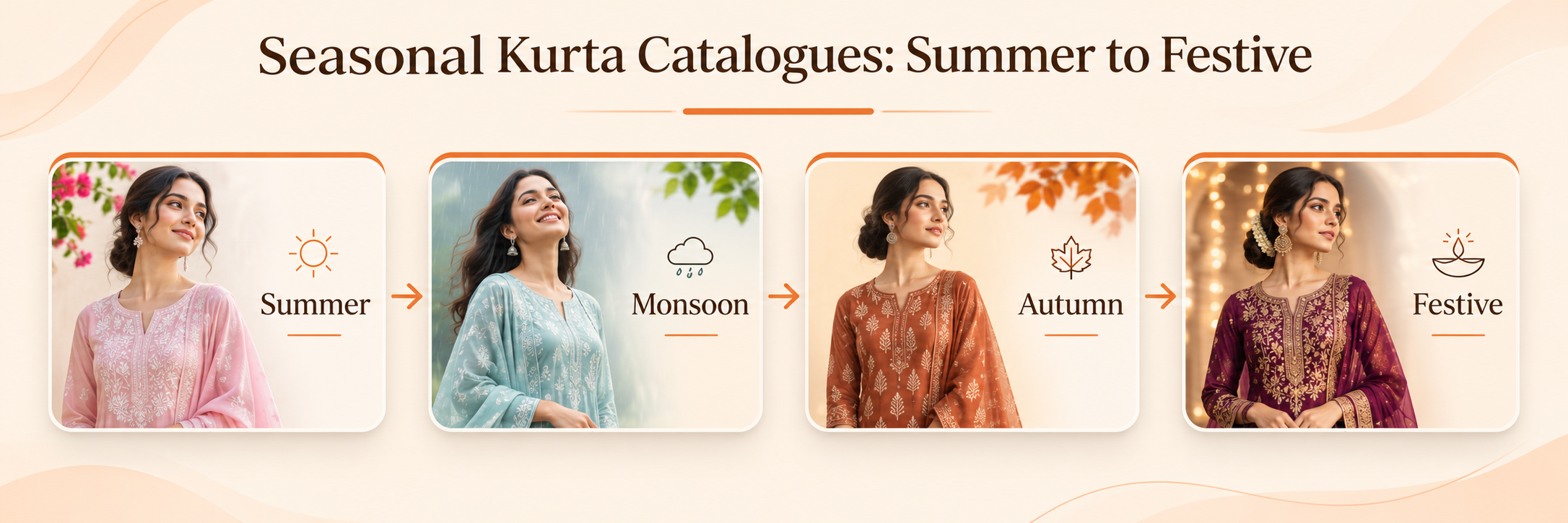
This type of demand for Kurta is in line with the calendar. Cotton kurtas light colours can be worn during summer season for light and natural background, relaxed look. Silk and embroidered kurtas tend to look great during the festive season when there’s a more subdued or warmer hue in the lighting, richer background color, and fuller styling. Contributing the same photos that it sourced its information from, it is also useful for kurta catalogue photography, where you can change up looks without a re-shoot, since the process takes place so quickly. Plan with our Diwali launch timeline and the seasonal launches guide.
AI vs Traditional Model Shoot for Kurtas
| Traditional shoot |
AI try-on |
|
|
Booking |
Studio, model, stylist |
None |
|
Time to images |
Days to weeks |
Hours to days |
|
New colourways |
Reshoot or edit |
Generate digitally |
|
Pose and skin tone |
Limited by who you hire |
Selectable |
|
Cost per image |
High, shared across the shoot |
Lower, per-image pricing |
|
Best for |
Brand campaigns |
Everyday catalogue |
The schedule is indicative and not binding. While a classy photoshoot is great for a shoot for a brand, a studio still wouldn’t make any sense for everyday listings, when it can save you money and time as well.
Meesho Compliant Kurtas Images on scale (Morning and Evening)
A Meesho Seller/wholesaler can sell 100s of kurtas a season.
A simple routine keeps images consistent:
- Set one template. Choose model, background, and framing once.
- Organise files. Name each photo by SKU so bulk uploads match.
- Process in batches. Upload the full set instead of one at a time.
- Check colour and detail. The image must match the real kurta, since mismatches lead to returns.
Follow platform rules. Meesho’s image guidelines change, so check the Supplier Panel before uploading. [Team: add current Meesho specs if you’d like them in the post.]
The same method works on Amazon. in, and on Amazon.com and Etsy for brands selling abroad. Our Meesho seller guide and Standardize 500 SKUs post cover bulk workflows in more depth.
Who Benefits Most
- Kurta wholesalers: large SKU counts and fast turnover
- Meesho sellers: tight budgets and many listings
- D2C Ethnic wear Brands: A unified look for their websites, marketplaces and advertisements
- Exporters & Diaspora Brands: Pictures for Amazon.com, Etsy and their own store
Check These Details Before You Publish
- Colour matches the real fabric
- Print and embroidery look right
- Sleeve and hem lengths match
- Neckline and buttons are correct
- Fit looks realistic
AI images should show the product honestly. Accuracy builds trust and helps keep returns down.
Start With Your Own Kurtas
Pick five kurtas, including your trickiest print, and Test kurta virtual try-on. Compare the results with your last shoot for cost and time. See finished examples on the Catalogue Showcase page, or check the Pricing page to begin.