
 0
0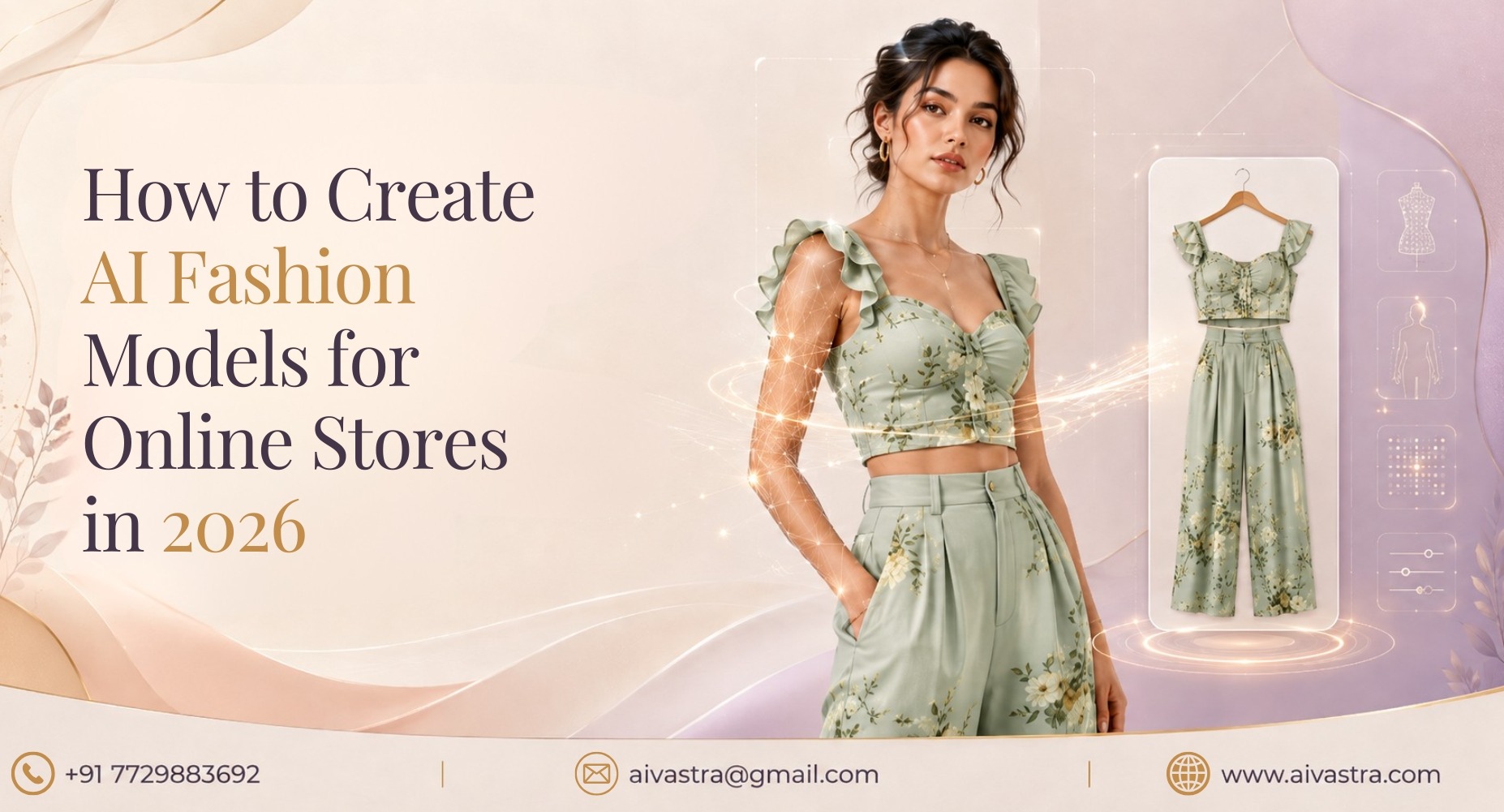
Key Takeaways
- An AI fashion model generator creates realistic model photos from garment images without hiring models or photographers.
- AI clothing model tools use garment transfer, body mapping, and texture preservation to create realistic fashion images.
- Brands can reduce photoshoot costs, production time, and model dependency while creating images at scale.
- Indian fashion brands should prioritize Indian skin tones, ethnic wear draping, model diversity, and background options.
- Flat lay and hanger photos generally provide strong inputs for generating AI model images for clothing.
- AI-generated fashion photos can help brands create consistent product catalogues for websites and marketplaces.
Before: book a model, rent a studio, wait days for edited photos. After: upload a flat lay photo, generate a realistic model shot in minutes. That shift is exactly what an AI fashion model generator makes possible.
What an AI Fashion Model Generator Actually Does
Technically, the process involves three steps. First, garment transfer — the AI identifies your product’s shape and structure. Second, body mapping — it places the garment onto a realistic human form, adjusting for how fabric drapes, stretches, or falls. Third, texture preservation — fine details like print, embroidery, and fabric texture are carried through from your original photo into the final image.
This is what separates a true AI fashion model generator India brands can rely on from a basic overlay tool — the output has to look like a real photograph, not a garment pasted onto a stock model.
Why Brands Use This Instead of Hiring Models
The before-and-after here is stark. Before: model booking costs, studio rental, photographer fees, and days of turnaround. After: a single upload produces multiple model images, often within the same day.
There are four major issues an ai clothing model generator addresses: cost, speed, model availability, and accuracy throughout a catalogue. Brands often need to remember that some consistency is more important than notation – a catalogue that features various images of models and lighting, or in different poses, makes for a chaotic catalogue. AI generation keeps this uniform across hundreds of SKUs.
What to Look For in a Generator Built for Indian Fashion
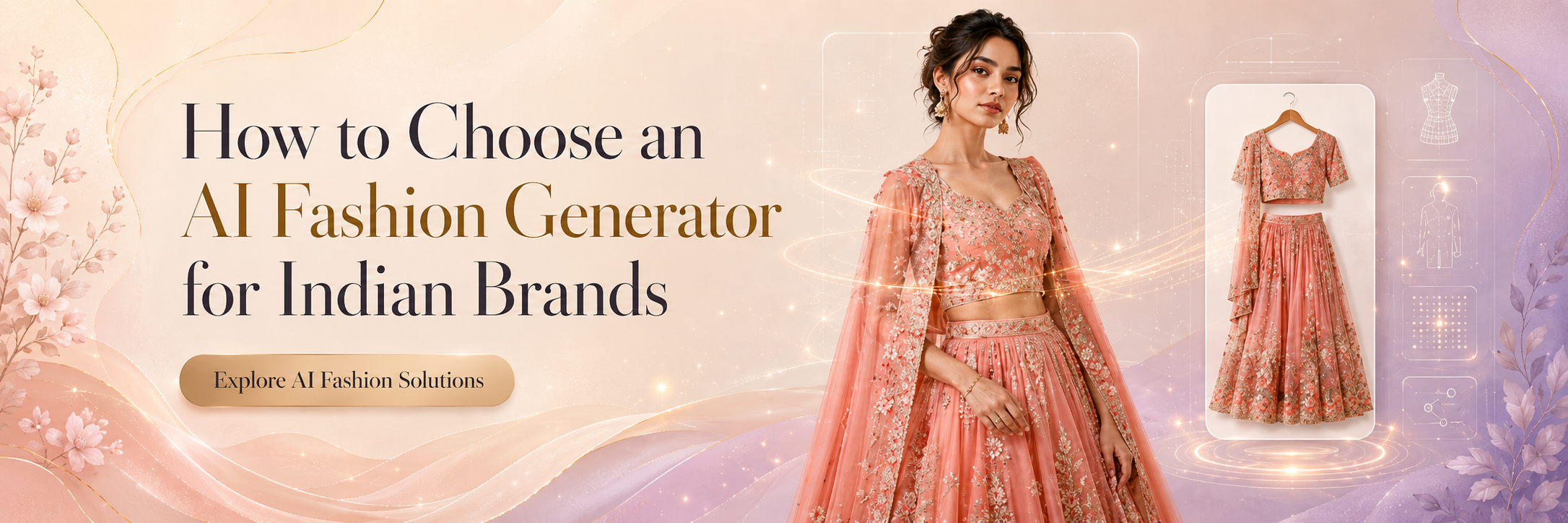
Before choosing an AI photoshoot generator, check for:
Indian skin tones — the model output should reflect the actual diversity of Indian customers, not a narrow default set.
Ethnic wear draping accuracy — sarees, lehengas, and dupattas need correct drape rendering, which many generic tools trained on Western clothing get wrong.
Model diversity — different body types represented, so your catalogue doesn’t rely on a single narrow model shape.
Background options — clean white for marketplace listings, styled backgrounds for lifestyle and ad use.
Our AI Fashion Models pillar covers these criteria in more depth, alongside broader context on how AI modeling technology has evolved.
How AI Vastra’s Model Generator Works, Step by Step
Here’s the practical flow to generate ai model images for clothing using AI Vastra:
- Upload a flat lay or hanger photo of your garment
- Select model preferences — skin tone, body type, pose
- Choose your background — white background or styled setting
- Generate the image
- Download and use directly on your website or marketplace listing
This same workflow scales into full catalogue production, as covered in our AI Catalogue Creation Software post.
Which Garment Types Work Best
Flat lay input generally produces the most accurate results, since the garment shape is fully visible and undistorted. Hanger shots also work well for most ready-to-wear pieces. Mannequin shots can work too, but flat lays typically give the AI the clearest data to render fit and drape accurately — a useful tip for anyone trying to create fashion model images with AI for the first time.
Common Mistakes Brands Make the First Time
A few recurring issues show up with new users: uploading blurry or poorly lit source photos, not specifying styling preferences and then being surprised by generic output, and skipping a review step before publishing images live. Treating the first few generations as a test batch — reviewing fit, colour accuracy, and drape before rolling out to a full catalogue — avoids most of these problems.