 0
0
Why AI fashion model images don’t convert
If you’ve switched to AI-generated catalogue images and sales haven’t moved, something specific is going wrong – not the technology itself. So, here are the exact reasons why AI fashion model images aren’t converting, and the solutions to each of them.
Key Takeaways
- Low conversion after switching to AI images is almost always traceable to one of five specific, fixable issues
- The most common root cause is poor input photo quality, since AI can only render as accurately as the source image allows
- Fixing model representation, background compliance, and styling consistency typically resolves most conversion problems within one revision cycle
Reason 1: Wrong Model for Your Target Audience
If your listings show AI model images low CTR despite otherwise decent image quality, mismatched model representation is a likely cause. People are more responsive to models who look and feel like themselves, including their physical shape, skin tone, and overall look. If the model is not a realistic representation of your audience, there is still a distance, albeit a subtle one in the sense that it isn’t compelling to people who aren’t your customers.
The fix: Select model options that genuinely represent your target audience, not a generic default. Our Choose the Right AI Model post covers this selection process in more depth.
Reason 2: Low Input Photo Quality.
By far the most frequent reason for poor performance of AI-generated images. Blurry, poorly lit, or low-resolution source photos limit how accurately AI can render fabric texture, color, and garment detail — regardless of how advanced the generation technology is.
The fix: Re-shoot or re-photograph your flat lay source images with even lighting and sharp focus before regenerating. Better input consistently produces better output, no exceptions.
Reason 3: Wrong Background for the Platform
AI product images not converting fashion listings often trace back to a background mismatch with platform requirements. A styled lifestyle background might look attractive, but if the marketplace requires a clean white background for primary listing images, non-compliant images can hurt visibility or get flagged entirely.
The fix: Confirm your target platform’s exact background requirements before generating, and use white background for primary listing images specifically, reserving styled backgrounds for secondary or ad creative use.
Reason 4: Inconsistent Styling Across SKUs.
Using different model types, poses, and lighting treatments from the same catalogue image at the same time makes the catalogue look like they’re amateurish. It’s an inconsequential breach of honesty in the buying process, which will lower consumer confidence if each contained image is flawless.
The solution: Rather than setting every SKU with a different lighting style, background, and/or style type, pick a single style template to set and use throughout the entire batch.
Reason 5: Missing Detail Shots
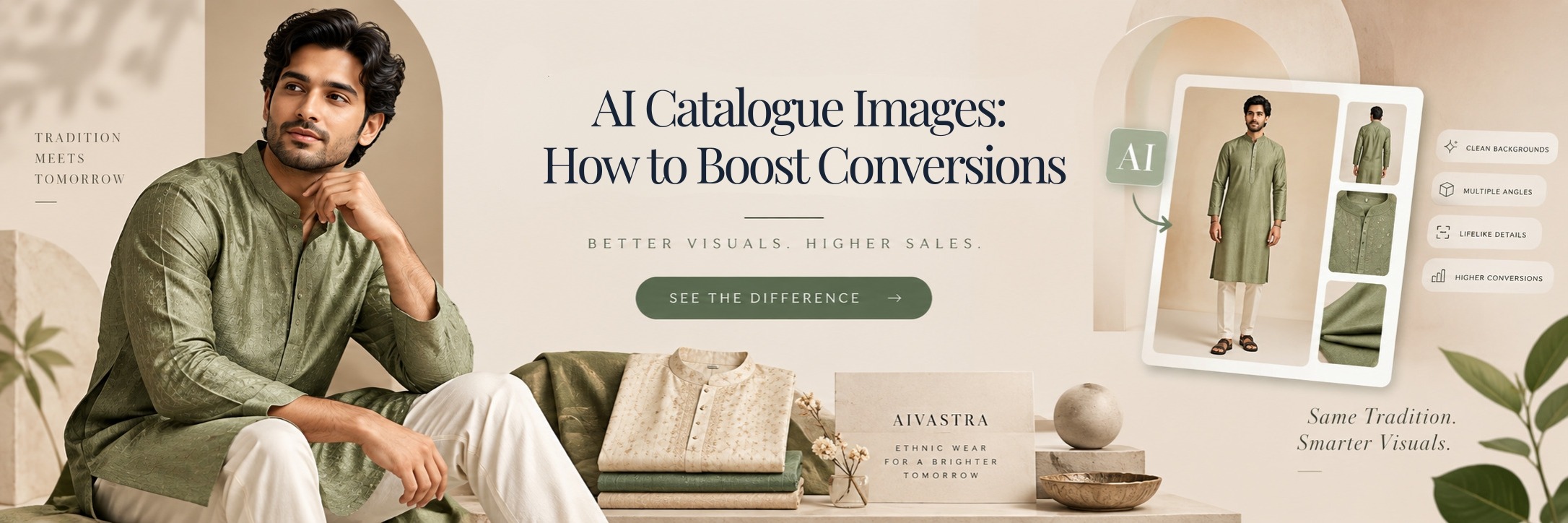
A single model image, no matter how good, often isn’t enough to fully convert a hesitant shopper. Missing close-up detail shots — showing fabric texture, embroidery, or hardware — leaves buyers uncertain about quality, especially for premium or ethnic wear categories.
The fix: Add supporting detail crops alongside your primary model shot, giving shoppers the full picture they need before committing to purchase.
How to Improve AI Catalogue Image Conversions
Addressing all five of these issues together is how brands typically improve AI catalogue image conversions — it’s rarely one single fix, but rather correcting a combination of small gaps that compound into a weaker overall listing performance. Our post on What Makes a Catalogue Image Sell breaks down the specific elements of a high-converting image in more detail.
Checklist to Fix AI Catalogue Image Performance
When photographing models:
☐ Model type is accurate to audience expectations
☐ Source photos are sharp, well lit, wrinkle-free, etc.
☐ Background style matches the requirements of the target platform
☐ Detail images shown so detail will match the primary image of the model sky batch
☐ The styling is consistent across the full model Sky batch
It’s best to solve image performance problems in an AI catalogue by going through the checklist in sequential order so you don’t have to start from scratch. Our AI Fashion Model Generator page and AI Catalogue Photoshoot homepage both cover how to regenerate images correctly once these issues are identified.