
 0
What Is an AI Clothes Changer and How Does It Work?
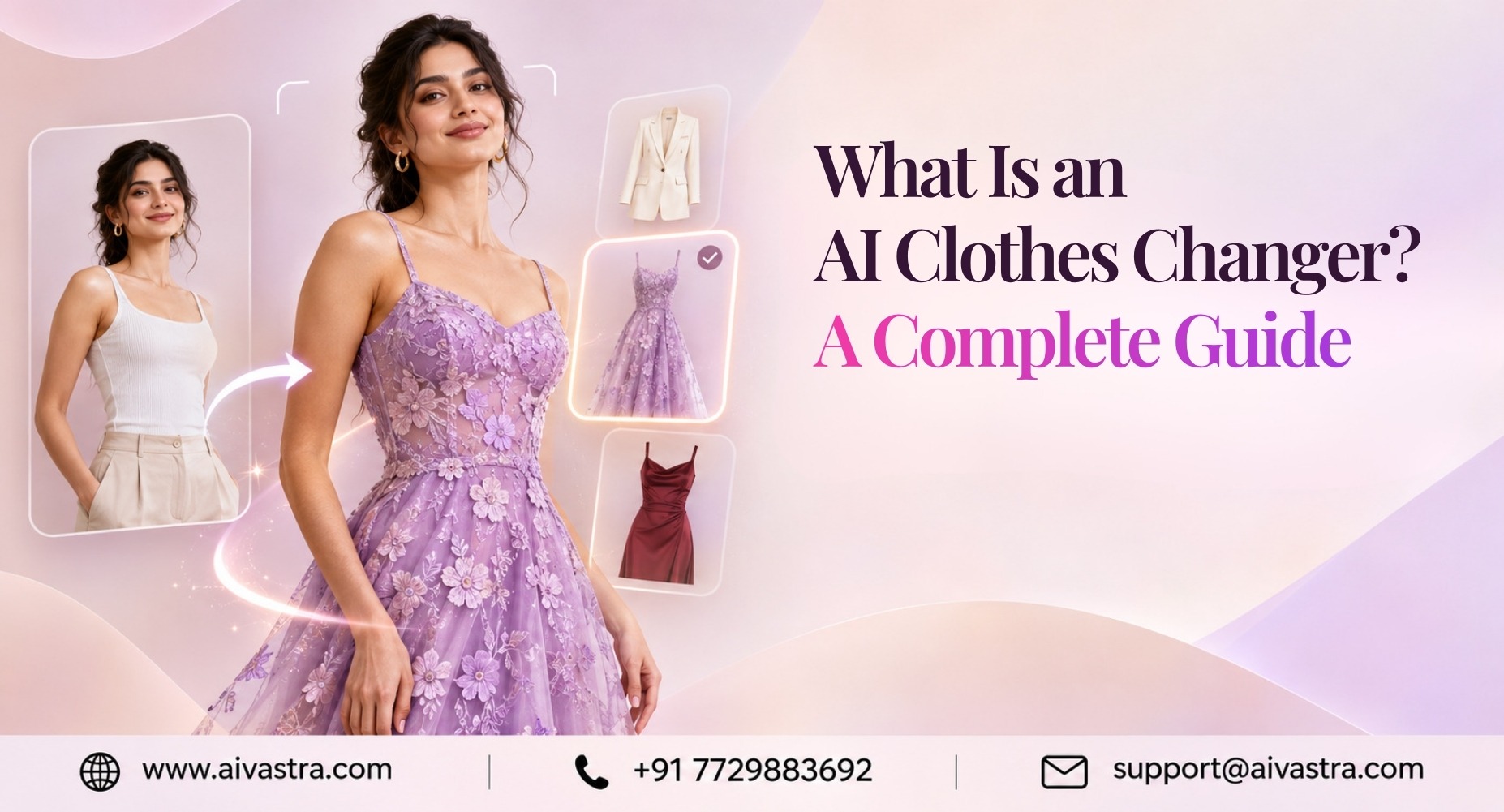
AI clothes changer is software that replaces the clothes in a photo and displays a person or model in different clothes without having to shoot new photoshoots. Brands utilize it to create product images, while customers utilize it to see what outfits could look like.
Curious to know what AI clothes changer technology is really doing on the screen? We have made everything rather simple, first from a global perspective and second from a local perspective for India.
Key Takeaways
- An AI clothes changer replaces the outfit in an image using AI, with no physical shoot
- It performs in 2 major steps: first locating garment and body, and then creating a realistic garment appearance with a diffusion model.
- Always check photos before publishing; results vary with photo quality and the complexity of garments
So how could an AI Clothes Changer work?
Most tools are outlined below in four steps:
- Garment segmentation. The AI Clothes Changer finds and outlines the clothing in your product photo, separating it from the background.
- Body and pose reading. Estimates the body shape and pose of the model/person to allow the garment to fit appropriately.
- Image generation. A diffusion model builds the new image. The diffusion models begin with random noise and “improve” it gradually into a picture, using the trained body and garment and following any instructions.
- Refinement. The tool gets rid of the edges, adjusts lighting and shadows, and exports the picture at the correct size.
This is not a pasted sticker. The AI Clothes Changer also infers the folds, drape, and shading to give the fabric a worn look.
What is AI Clothes Changing & What it is not
In one sentence, the AI outfit changer is a tool to edit or produce images to put a selected article of clothing on a body.
It is also not about live AR try-on, where clothes are shown on top of what’s captured on your camera. Here’s a post in the AR TryOn vs AI TryOn realm to show you the difference. It’s also not the same as any actual quality control. Do not use legitimate software on other people’s images unless you have copyright permission to do so.
5 Common Uses of an AI Clothes Changer
- Catalogue images. Convert flat lay or hanger photos to model shots for stores and the market.
- Virtual try-on. Show a top on an individual’s self-image as they shop.
- Ad and social content. Create several visual versions of one product for campaigns.
- Colour and style variations. Show the same design in more options without reshooting.
- Design previews. Support designers before production in test runs for looks, ranging from activewear to bridal wear.
Best Clothes Changer AI Tool Options
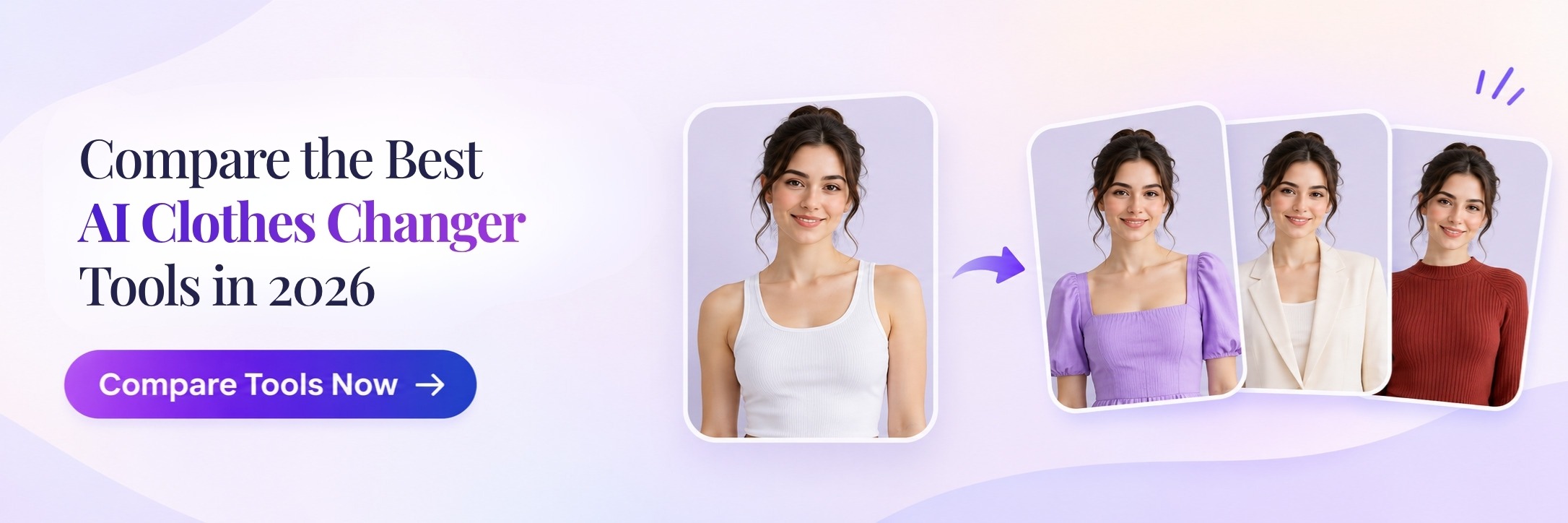
- Every clothes changer AI tool serves a different goal:
- AI Vastra: built for fashion brands. It turns your real product photos into model images, supports bulk catalogue work, and focuses on garments with complex drape.
- A virtual try-on feature in Search: A shopper-facing function introduced by Google that enables more users to preview supported apparel in their own photo. It’s not a catalogue-capable resource for brands.
- The general AI image editors are flexible but might not be as accurate as you need to get your specific product.
Select by purpose: catalogue creation, shopper try-on or creative experiments.
AI Clothes Changers and Indian Fashion
The international tools might be trained on basic elements that may not work for Indian attire. They need correct pleats and fall of the pallu in sarees. Lehengas are embellished and add weight. The one thing that is common is that kurtis and salwar kameez have layers such as dupattas, while sherwanis are of structured shapes. Body mapping is important when it comes to fitted innerwear. Midgae, Neat and Oneshot are additional sizes standard for Myntra, Amazon and Meesho sellers respectively. Others such as Midgae, Neat and Oneshot also require marketplace-ready sizes for their sellers. Use your toughest article for testing a tool.
For a hands-on walkthrough, read our AI Clothes Changer guide.
Try It on Your Own Products
See real examples on the Catalogue Showcase page, or check the Pricing page to start with a free trial.