
 0
AI Clothing Model Generator: How Fashion Brands Create Model Images Without Hiring Anyone
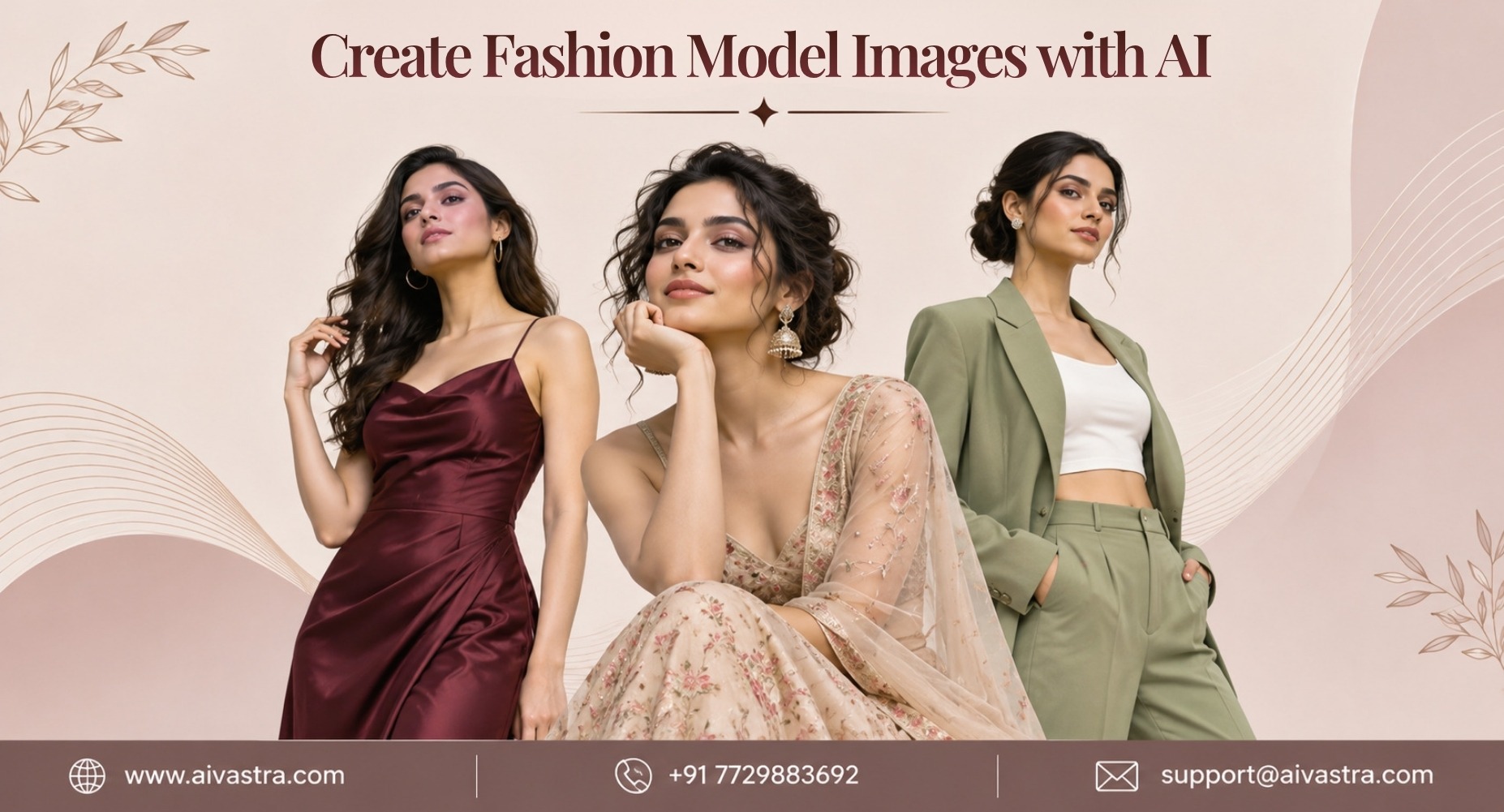
The AI clothing model generator captures an image of a garment and creates a finished image on a model. No model to book, no studio to rent, and no photographer to pay. Check photo quality If you’ve been charged thousands of dollars for one shoot day, or you’re not making money with your flat lay shots, this guide will help you understand how the technology works, how to select the right look for your photos, and how to check them in advance.
Key Takeaways
- The AI model generation technology can transform one image of a garment into an on-model image without the need for a studio, model, or photographer.
- You have options: select the skin tone, body type, pose, and background you want to work with that best suit your customers and channels you’re selling your products through.
- Never post up until you have read the fabric, color, fit, and hands, then test 5 garments of your own before selecting a tool!
What is an AI Clothing Model Generator?
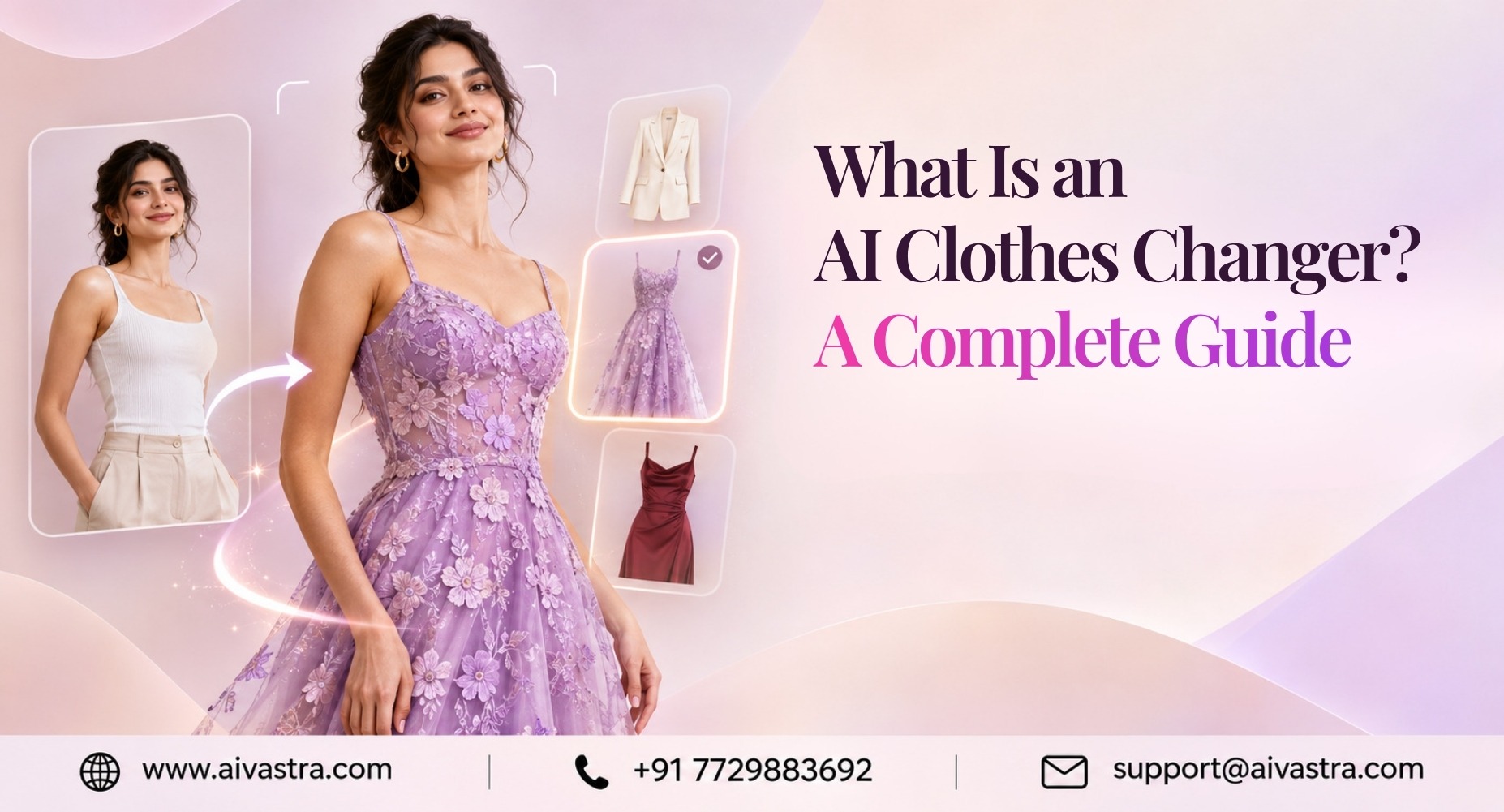
It’s computer software that makes an actual garment look like it’s attached to a virtual human. You input a picture of what apparel the image needs to be, the art style, and the model to generate a realistic photo of that person wearing the outfit.
Typically requires 3 steps:
- Include a clear picture of the clothing.
- Select models, poses, and backgrounds.
- Generate and download the image, ready for your store.
It could also be referred to as an AI fashion model generator. The concept is that it’s not about the shoot anymore but about maintaining the quality of professional work.
AI-Generated Fashion Model vs. Stock Model Photos
Stock photos show someone else’s clothes. An AI generated fashion model wears your garment. That difference matters for trust and for brand identity, since stock images are used by many brands at once.
|
Stock model photos |
AI generated model |
Traditional shoot |
|
|
Shows your real garment |
No | Yes |
Yes |
|
Unique to your brand |
No | Yes |
Yes |
|
Typical cost |
Low per image | Often $0.10 to $2 per image |
Roughly $2,000 to $15,000 per shoot day |
|
Speed |
Instant but generic | Minutes |
Days to weeks |
|
Consistent across a catalogue |
Hard | Easy |
Depends on rebooking the same model |
For a full cost breakdown, see our AI Fashion Photography
How to Generate AI Model Images: Choose Your Look
Skin tone and look: Match the people you want to reach. Your model should feel familiar to your customers.
- Body type: Show real range. If you are selling petite sizes, plus sizes, or athletic sizes, models of these sizes should be featured.
- Pose: Use front, 3/4 front, back, and walking poses.
- Use plain white for marketplaces and soft studio tones for a website and lifestyle scenes for ads and social media posts.
Add photo suggestions: Even lighting, flatten folds, and place the entire article in frame. A clean starting photo gives the AI more to work with. Our AI Catalogue Photoshoot the full workflow.
The Quality Of The Output—Things To Check Before You Publish.
Some tools and garments will be better than others, so do not overlook the review. See if these six items apply:
- Fabric: texture, drape, and shine should be similar to the actual fabric.
- Color: Make sure that the picture matches your actual clothing.
- Hands, face, and feet: Check for distortion.
- Fit and length—shoulders, legs, and waist must fit properly.
- Prints and logos should not be warped or invented.
- Consistency: This means being consistent with the product model.
Structural patterns, such as tees, shirts, jeans, and dresses, as a rule look best. The more intricate the embroidery, the sheer layers, and the intricate draping, the more it requires review and, sometimes, a retry. A smart test: run five of your own garments, including a hard one, through every tool you’re considering before you pay. Our Best AI Fashion Photography Tool post compares your options, and our Catalogue Showcase page shows real outputs.
Where to Use AI Model Images
With AI model images quickly generated, they can be leveraged anywhere:
- Product pages on the website: A gallery that is consistent in look and feel engenders trust.
- Paid ads—try different layouts and backgrounds to see what works best.
- Sm News: Social media posting with no shoot required.
- Meet the rules of the platform image and get them at scale in marketplaces and catalogues!
- Email and lookbooks: Launch new drops faster.
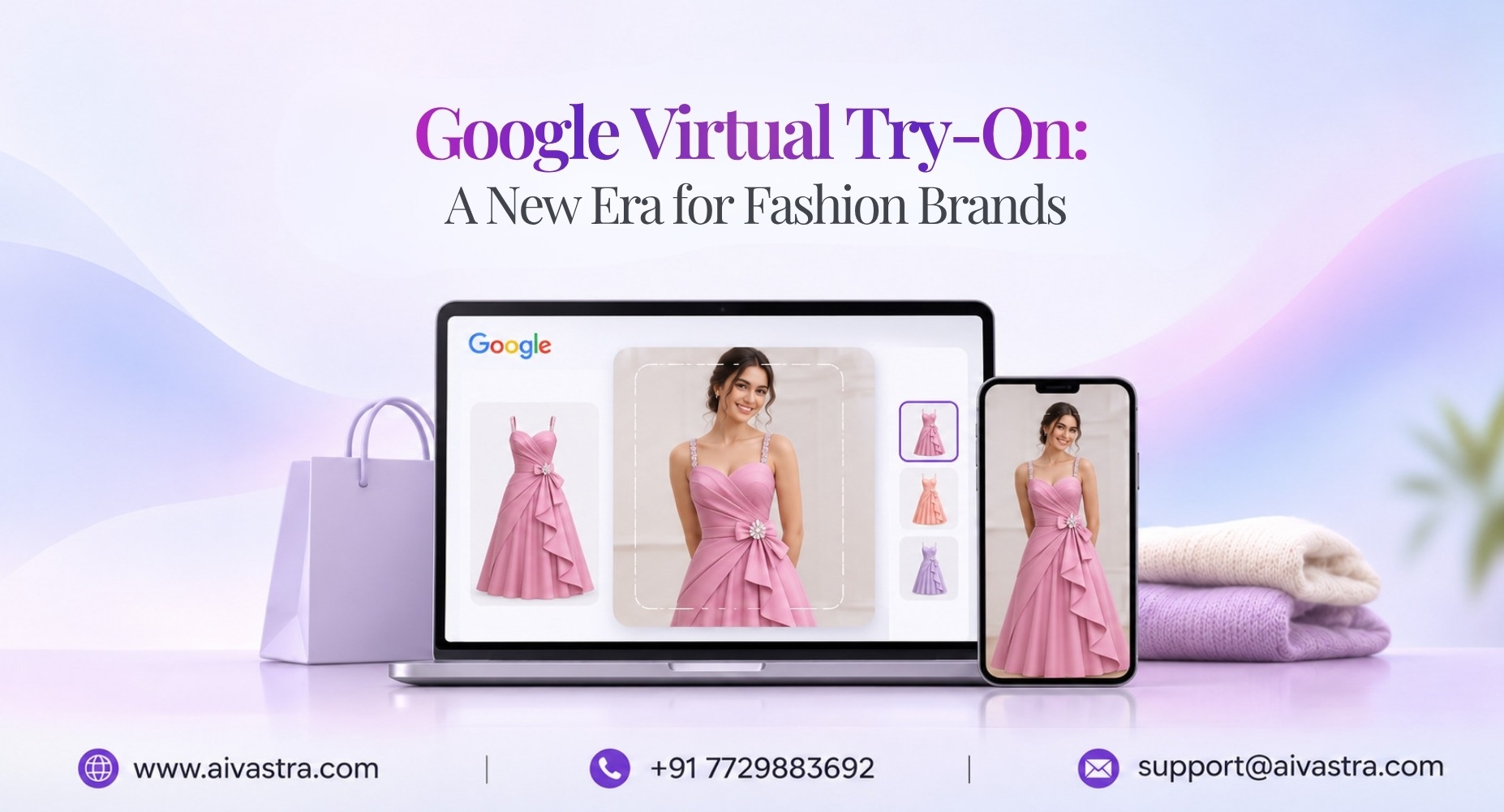
Want shoppers to see clothes on their own bodies? Pair these images with our Virtual Try-On service.
Selecting the Right AI Model for Your Clothing Brand: Go Global, Go Local
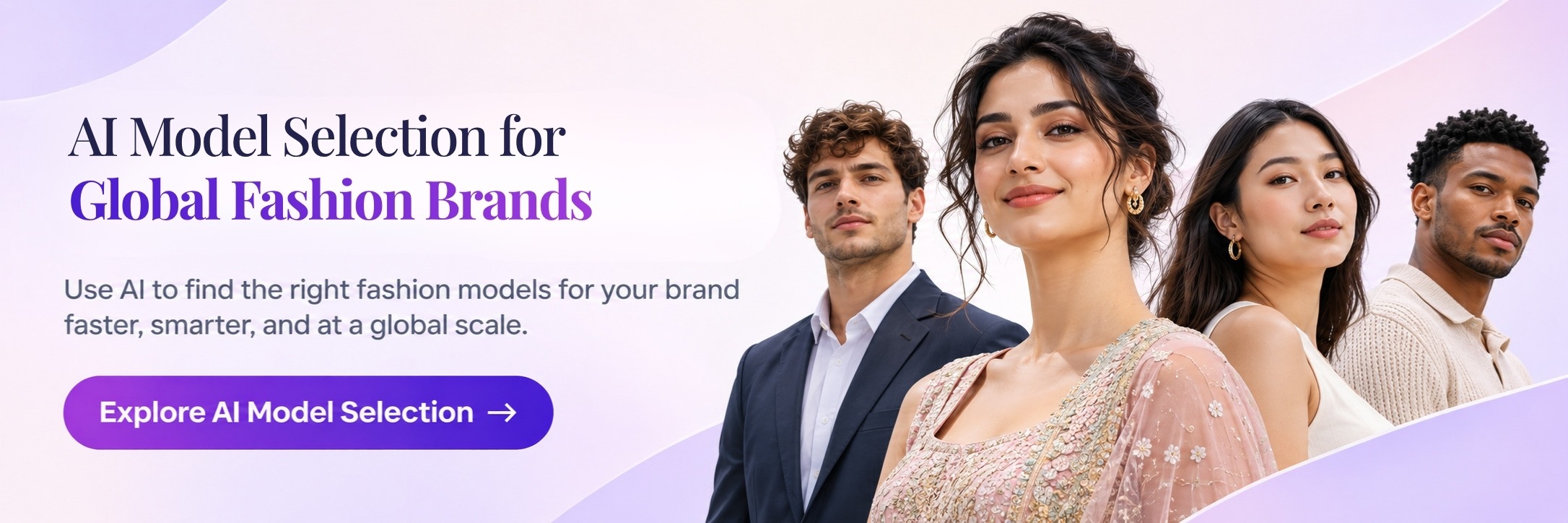
But the right AI model Photography for a clothing brand is like your customers. If you look at each product, you could make customers feel excluded. Spread your catalogue in terms of skin tones, ages and body shapes.
How Indian Brands Use Diverse Indian AI Models
Indian brands must provide models to Indian skin tone and features who are in classic Indian dresses. It plays a significant role at least in cases where drape and detail play a part in making the sale: saree, lehenga, kurtis, salwar-kameez, Sherwanis, and bridal wear.
Fit is equally important for activewear and innerwear for body diversity, and it’s a paramount question that shoppers ask when buying both inner and activewear. They are helped to imagine the product on them by three representative models.
Looking for an AI Clothing Model Generator?
See results first without commitment. Browse real examples on our Catalogue Showcase page, then check plans on our Pricing page and try AI Vastra free with a few of your own garments.