 0
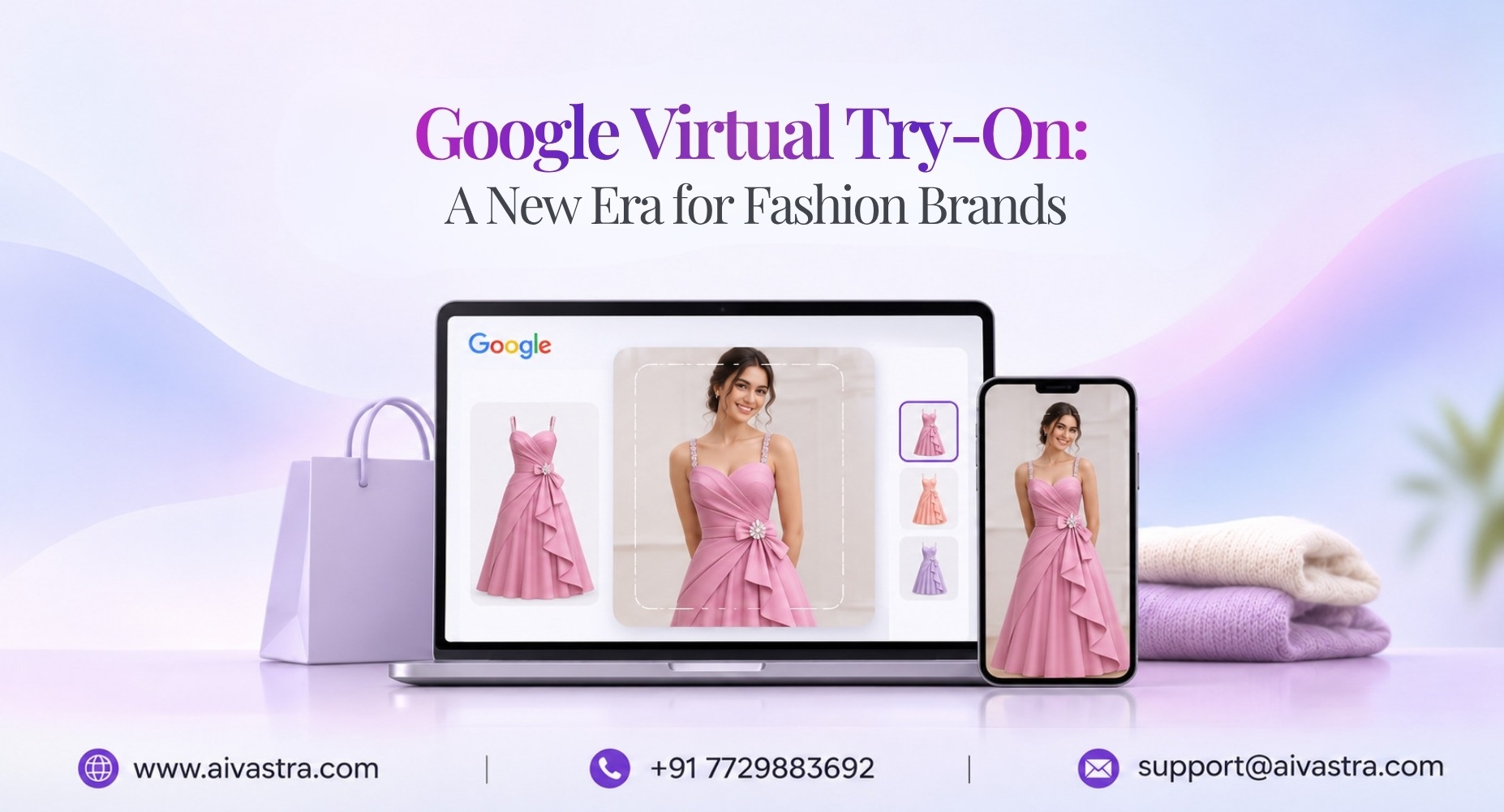
Google Shopping Try On for Fashion Brands: Setup Guide and What It Means for SEO
Google Shopping try-on enables customers to shop by showing them clothes on models of various sizes or showing specific clothing on themselves as they search Google Shopping and Google Search. Brands don’t switch it on by hand. Google says brands with a shopping feed and high-quality imagery are opted in automatically. So your job is to feed quality and image quality.
Key Takeaways
- There’s no separate “enable” button: a Merchant Center feed plus images that meet Google’s rules is what counts
- Google’s try-on accuracy depends on your product images, so image quality directly affects results
- Draped ethnic wear such as sarees and lehengas wasn’t covered at the India launch, so Indian brands may need their own try-on
What Is Google Virtual Try-On Fashion?
Google virtual try on fashion is done like this: shoppers select a model, ranging from XXS to XXXL, and generative AI from Google demonstrates how this garment drapes, clings, and stretches as along with wrinkles and shadows. The shoppers can also upload a full-length photo of themselves to see the item on them. A “virtual try-on” badge appears on qualifying items in free listings and shopping ads.
The news angle is mentioned in our Google Virtual Try-On Is Live in India post, while this case study discusses the difference between camera-based AR and AR Try-On in our AR Try-On vs AI Try-On post.
Eligibility: Can You Enable It?
Not manually. Every merchant who has a shopping feed that is eligible to display free listings will be automatically enrolled. That’s the main of any Google Shopping VTOs setup: enter the merchant center, sustain a healthy feed, and comply with some guidelines regarding pictures.
It’s good to have schema terms in product pages, but they’re not in the list of required schema terms in Google’s help page on try-on. Our schema markup guidance covers product markup in general.
Image Requirements for Google Shopping Try-On
Google wants your images to be of a high resolution, at least 512 x 512, preferably 1024 or higher, and to have one garment on one front-facing model or mannequin in a simple pose or laid flat. The image should display only the listed item of clothing, display the item entirely, include a forward-facing model with arms hanging by her sides and avoid any folds created by hands or bags on flat lays, and allow for details (not hidden) on the clothing.
The accuracy of a try-on by each shopper still depends on the quality of each merchant’s product images, Google also says.
Google Shopping VTO Setup: Step-by-Step Checklist
- Syncing catalogues between Shopify and WooCommerce stores is done via their Google integration.
- Ensure that you qualify to be listed for free.
- Discuss your primary pictures with the rules above.
- Choose a clear “front-facing” neutral pose with one item of clothing showing the entire piece is in view.
- Complete the product information—including title, colour, size, category and availability.
- Check and rectify any image warnings in Merchant Center.
- Keep product schema on your pages as good practice.
- See the list of categories in Google’s help pages—this list updates frequently.
- Check in a search for your products and see if a ‘badge’ emerges.
Google Try On Feature India: Availability and Limits
Google brought its virtual try-on to India in December 2025, so this Google try-on feature India rollout is live for supported apparel. Sarees and lehengas weren’t among the supported categories at launch. Any items that have similarities with tops, bottoms, and/or dresses, including kurtis, should be tested.
Verify against Google’s current list. If you sell only through marketplaces, you don’t control their feeds. Your own store’s feed is the part you can fix.
Image Quality and Try-On: Where AI Vastra Fits
If you sell only through marketplaces, you don’t control their feeds. Your own store’s feed is the part you can fix.
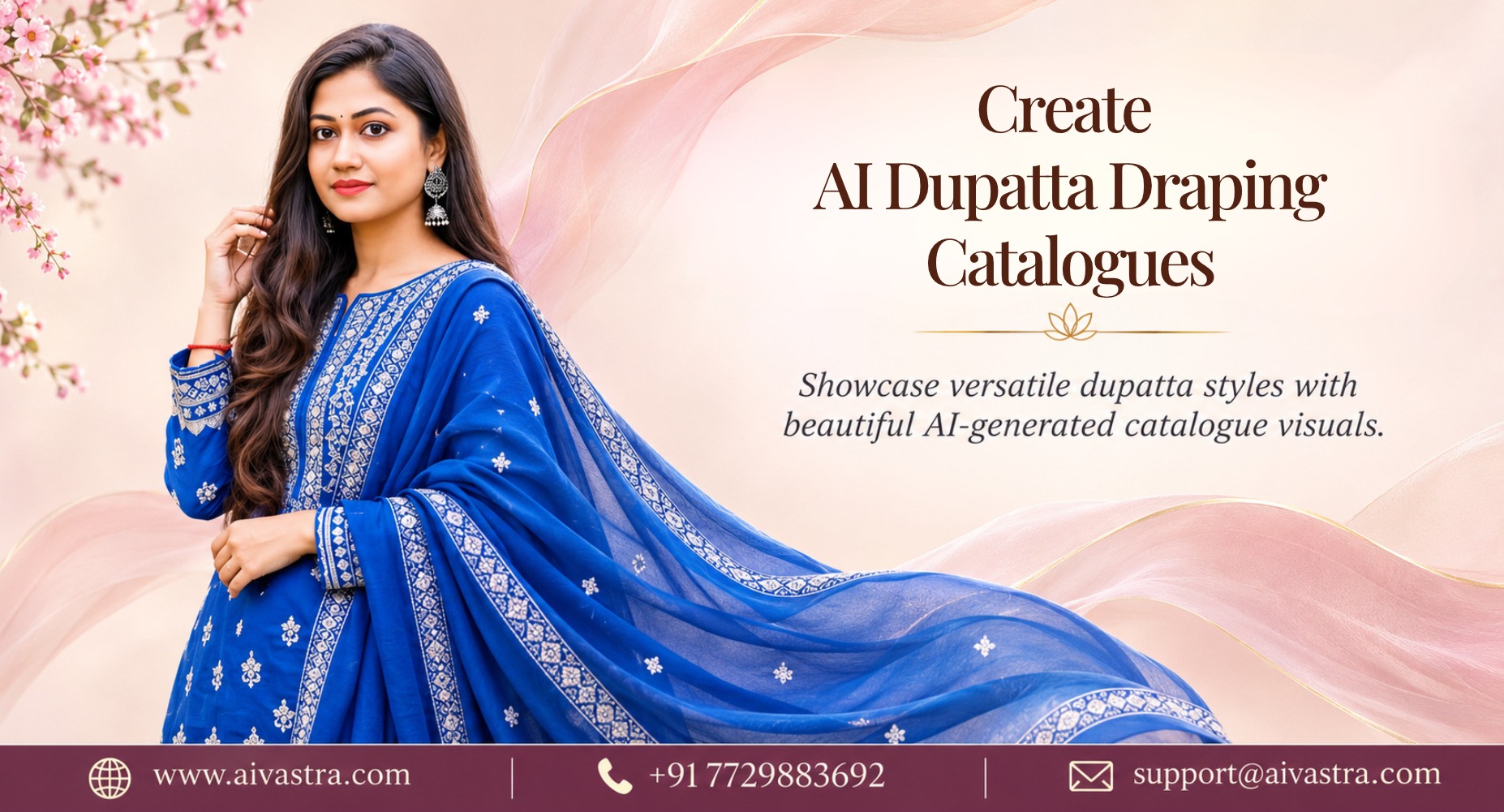
AI Vastra can create images that adhere to Google’s requirements: front-facing model, simple pose, clean background, one item of clothing, full view, high resolution.
That helps your feed. It doesn’t guarantee eligibility, because Google decides that itself and certifies no tool.
Two checks matter. First, the image needs to be a true representation of your actual product. Second, check the current rules imposed by Google on AI-generated images—possibly incorporating any metadata labeling. Team: Confirm the current policy before publishing.
Our Auto-Generate Amazon Myntra Listings post shows how to export correct sizes for each channel.
What It Means for SEO and Google Shopping Fashion AI
Google Shopping fashion AI features reward clean data. In practice:
- Feed quality becomes visibility. Complete, accurate listings are more likely to show.
- Images do more work. A good main image can earn a badge and a try-on.
- Free listings matter. Eligibility starts there.
- Conversely, when you use structured data, it can help machines to better understand you, and AI search works better.
This is related to generative engine optimization: AI shopping surfaces use clear, consistent product data—so cohesive feeds and pages help.
What Indian Brands Should Do Now
Produce your image or text feed first, and then your main images.
Find out how test salwar kameez and salvor kameez listings fare.
The other draped clothes, such as sarees, lehengas, try on your own site. See our AI Virtual Try-On service and Best Virtual Try-On Apps India post.
See examples on the Catalogue Showcase page or review Pricing to start building Google-ready images.