
 0
0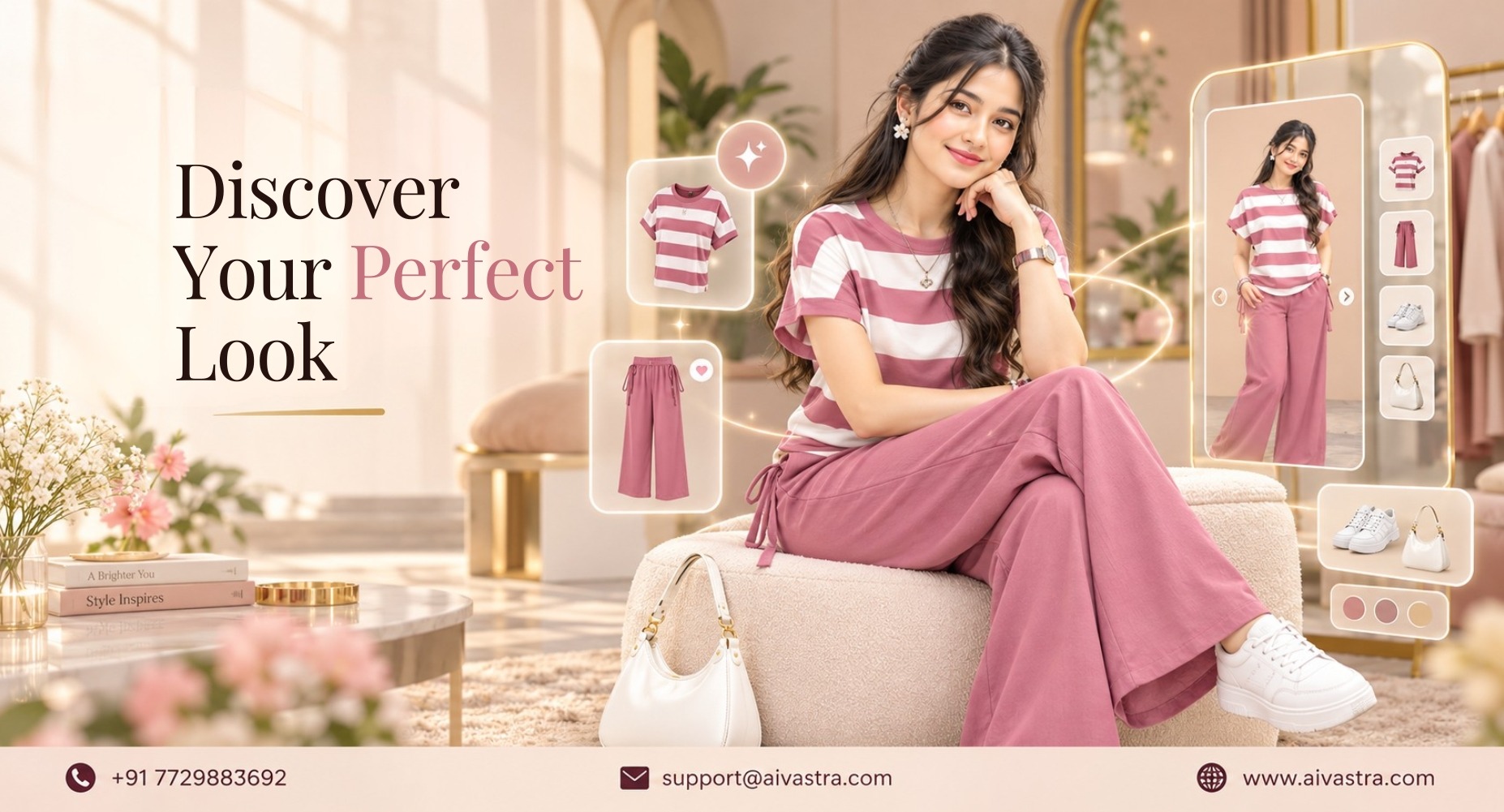
Get 60% More Views on Google by Adding Virtual Try-On to Your Catalogue
Key Takeaways
- Virtual try-on images Google Search India shoppers engage with get 60% more high-quality views than standard listings, based on eMarketer data.
- Currently, Western wear styles can access “Try It On” feature on the Google app’s home screen, but ethnic fashion is not offered; this is where AI Vastra will shine on brand websites.
- The two best indicators of the quality of data used for Merchant Center listings are completely clean data and high-resolution images.
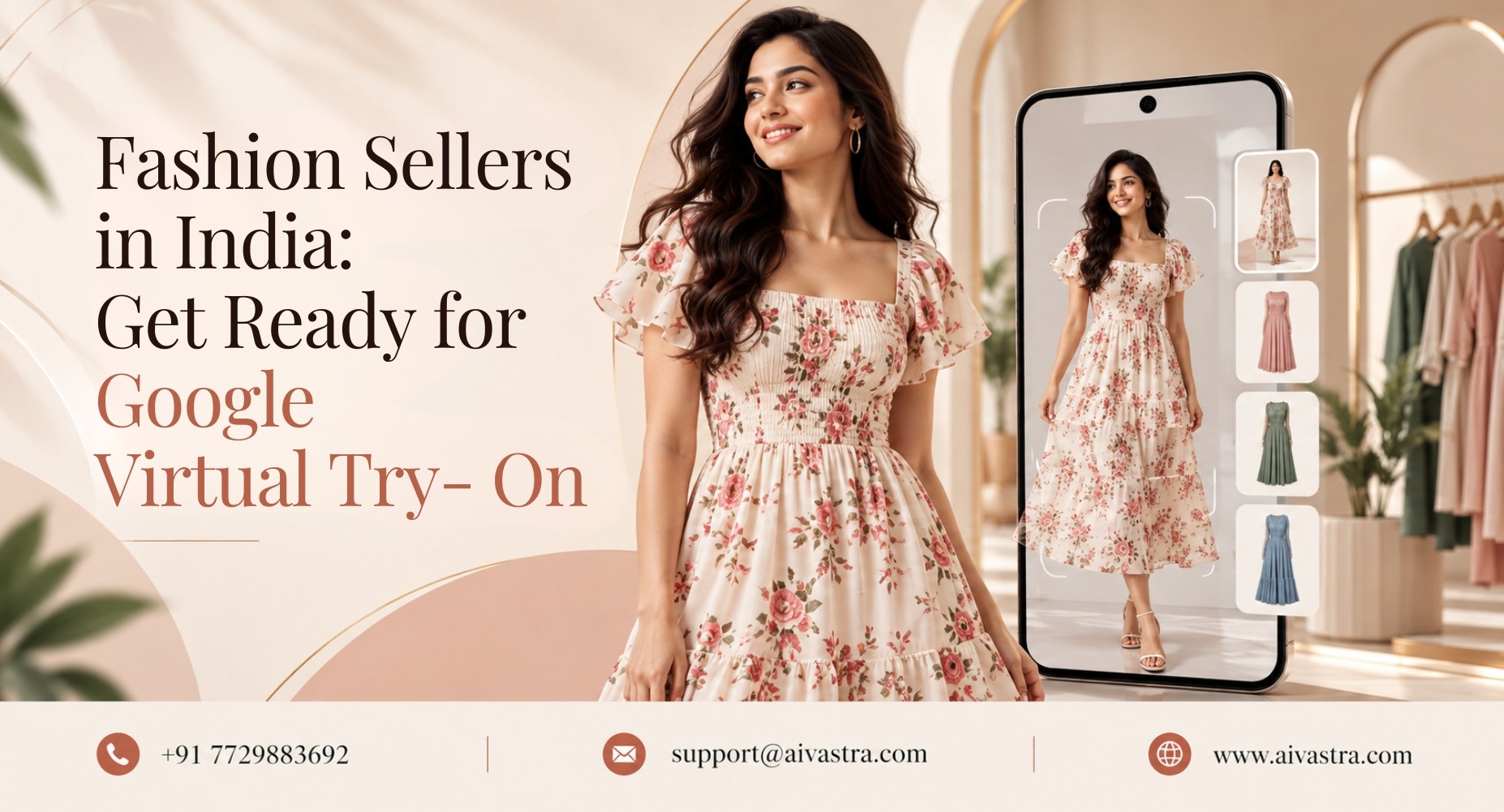
Google has a number worth paying attention to: virtual try-on images Google Search India shoppers interact with receive 60% more high-quality views than standard product listings, according to a September 2024 eMarketer report. For fashion brands, that’s not a small marketing gain. It’s a direct signal that Google is actively rewarding listings with try-on capability, and most Indian brands haven’t set this up yet.
What the Google Data Actually Shows
Google’s “Try It On” feature lets shoppers upload a full-length photo of themselves and see how a specific product would look on their own body, directly inside Google Search, Shopping, and Images. The technology accounts for fabric folds, stretch, and how materials drape on different body types, not just a static overlay. Listings with this capability get the 60% view lift cited above, and shoppers who use the feature are generally more likely to click through to the brand’s site, since they’ve already built some confidence about fit before leaving Google.
How the “Try It On” Icon Appears on Indian Listings
In December 2025, Google officially introduced Virtual try-on technology to India, enabling consumers to upload just a single photo for them to virtually try on clothing for tops, bottoms, dresses, and jackets. The Google try it on icon Indian fashion listings looks like a small button directly on eligible product results. This does not mean that a product is not eligible, just that it hasn’t been announced yet. If it does not feature the icon—other than the technical requirements below- there is no special sign-up process in Google.
Technical Requirements to Qualify
To be eligible for virtual try-on SEO India listings, a few conditions need to be met:
- Supported categories only. Tops, bottoms, dresses, jackets, and related clothing are allowed. Items that are definitely not the focus are things like lingerie, swimsuits, and accessories.
- Promptly and accurately provide product information in Google Merchant Center. The product feed needs accurate category tags, clear product type labels, and high-quality base images for Google’s system to generate try-on renders correctly.
- High-resolution source images. Blurry or low-quality product photography limits how well Google’s AI can render the garment on a user’s uploaded photo.
- Non-sponsored listings only. The feature currently isn’t available on Shopping Ads, so paid listings won’t show the Try It On button regardless of how well-optimized they are.
Which Indian Fashion Categories Qualify Today
This is the most important gap for Indian brands to understand. Western wear categories, tops, trousers, dresses, and jackets, are supported under Google’s current rollout. Ethnic wear, sarees, lehengas, kurta sets, and other draped or layered garments common in Indian fashion, is not yet covered by Google’s try-on model. This isn’t a small oversight. It reflects the technical difficulty of rendering drape, pleats, and layering accurately, something Western cut-and-sew garments don’t require in the same way.
This is exactly the gap AI Vastra’s own virtual try-on fills on a brand’s own website. Our Virtual Try-On service page covers how we handle ethnic wear categories Google doesn’t support yet, giving ethnic wear brands a get more views Google fashion India equivalent on their own domain, even while that category sits outside Google’s native feature.
The following nuclei are required for setting up the catalogue for eligibility:
- Update Google Merchant Center feed. Make sure that all product details regarding attributes, category and product type are accurate.
- Check image quality across your catalogue. Often the first disqualifier for a product is a collection of low-quality photos of the products that are poorly lit or inconsistent.
- Confirm category eligibility. Western wear items should be prioritized first since they’re already supported; ethnic wear needs a different approach.
- Verify listings aren’t running as sponsored only. Organic listings are what currently qualify for the Try It On icon.
- Monitor which listings show the icon. Eligibility isn’t instant or guaranteed even when requirements are met, Google’s system determines this per listing.
In our Auto-Generate Amazon and Myntra Listings post , we will describe how to make sure your product data is consistent across our various platforms, and another benefit of doing so is keeping your Google Merchant Center feed accurate.
How AI Vastra Adds a Parallel VTO Channel
Google’s try-on feature is a strong channel, but it’s not the only one worth building. Adding virtual try-on directly to your own D2C website through AI Vastra creates a parallel experience that works regardless of category eligibility on Google and covers ethnic wear brands currently locked out of Google’s native feature entirely. Our AI Catalogue Photoshoot homepage and Catalogue Showcase page show how consistent, high-quality catalogue imagery supports both your Google Merchant Center eligibility and your own site’s try-on experience at the same time.
Getting ahead of this means auditing your catalogue now, cleaning up your Merchant Center feed, and making sure your western wear listings are positioned to qualify as Google continues expanding this feature across Indian fashion search results.